LKSN ITNSA CLIENT SERVER 2024 - WIB SITE - DNS SERVER
Summary
TLDRThe video tutorial guides viewers through setting up and configuring a DNS server on Debian 12 using BIND 9. It covers the installation of necessary packages, creation of forward and reverse DNS zones, configuration of zone files, and the addition of NS and MX records. The instructor demonstrates verification techniques using tools like NSlookup and checks for configuration errors. Emphasis is placed on understanding zone structures, pointer records, and server priority for mail routing. The session balances technical detail with practical steps, ensuring viewers can successfully configure and verify a local DNS server environment for both forward and reverse lookups.
Takeaways
- 😀 The video demonstrates the step-by-step setup of a DNS server on Debian 12 using BIND 9.
- 😀 Before configuring DNS zones, it's important to ensure that BIND 9 and necessary tools are installed and updated.
- 😀 The forward zone maps domain names to IP addresses, while the reverse zone maps IP addresses back to domain names.
- 😀 Configuration files like `named.conf.local` and zone files (e.g., `db.barat.id`) are essential for defining DNS zones and records.
- 😀 Zone files should include NS records for authoritative name servers and PTR records for reverse lookups.
- 😀 MX records define mail servers and their priorities; a lower value indicates a higher priority.
- 😀 Comments in configuration files can be added with semicolons `;` and are ignored by the DNS server.
- 😀 Verification steps include checking zone files using `named-checkzone` and configuration files using `named-checkconf`.
- 😀 The system's `/etc/resolv.conf` file must point to the correct local DNS server (e.g., 127.0.0.1) for proper resolution testing.
- 😀 Regular testing using `nslookup` or `dig` ensures that NS, A, MX, and PTR records are correctly configured and functioning.
Q & A
What is the purpose of using BIND 9 in this configuration?
-BIND 9 is being used to configure DNS (Domain Name System) on a server, specifically to set up both forward and reverse zones for domain resolution and IP address mapping.
What are the main steps in installing BIND 9 on the server?
-The installation involves using the command `sudo apt install bind9 -y` to install BIND 9. Afterward, you check the installation using `dpkg -l | grep bind9` to confirm it's installed.
What is the significance of the `named.conf.local` file in this setup?
-The `named.conf.local` file is where the DNS zones are defined. It specifies the zones for both forward and reverse lookups, linking the DNS configuration to the respective zone files.
Why is it important to set up both forward and reverse zones?
-Forward zones map domain names to IP addresses (domain-to-IP resolution), while reverse zones map IP addresses to domain names (IP-to-domain resolution). Both are essential for full DNS functionality, especially for lookup and verification.
What does the `A` record represent in the DNS configuration?
-An `A` (Address) record maps a domain name to an IPv4 address. For example, in this setup, `ns1.barat.id` is mapped to `10.10.10.10` using an `A` record.
What is the function of the PTR record in a reverse zone?
-A PTR (Pointer) record is used in reverse DNS lookups to map an IP address back to a domain name. It allows for reverse resolution, like finding the domain name for a given IP address.
What is the purpose of the MX record in DNS configuration?
-MX (Mail Exchange) records define the mail servers responsible for receiving email for a domain. In this configuration, the MX record directs emails for `barat.id` to the `mail.barat.id` server.
How do you verify that the DNS zones are properly configured?
-You can verify the DNS zone configuration by using `named-checkzone` to check the zone files and `named-checkconf` to check the configuration files for errors.
What troubleshooting steps can be taken if DNS is not functioning as expected?
-If DNS is not working, you can check for syntax errors in the configuration files using `named-checkconf` and validate the zone files with `named-checkzone`. Restarting the BIND service using `sudo systemctl restart bind9` may also help.
Why is the `localhost` value replaced with `barat.id` in the zone files?
-In the zone files, `localhost` is replaced with `barat.id` to correctly reflect the domain being set up. The domain name must match the configuration for proper DNS resolution.
Outlines

Этот раздел доступен только подписчикам платных тарифов. Пожалуйста, перейдите на платный тариф для доступа.
Перейти на платный тарифMindmap

Этот раздел доступен только подписчикам платных тарифов. Пожалуйста, перейдите на платный тариф для доступа.
Перейти на платный тарифKeywords

Этот раздел доступен только подписчикам платных тарифов. Пожалуйста, перейдите на платный тариф для доступа.
Перейти на платный тарифHighlights

Этот раздел доступен только подписчикам платных тарифов. Пожалуйста, перейдите на платный тариф для доступа.
Перейти на платный тарифTranscripts

Этот раздел доступен только подписчикам платных тарифов. Пожалуйста, перейдите на платный тариф для доступа.
Перейти на платный тарифПосмотреть больше похожих видео
Cara Konfigurasi DNS Server Debian 10 Menggunakan PuTTY

Instalasi dan Konfigurasi DNS Server Pada Debian 10 Buster
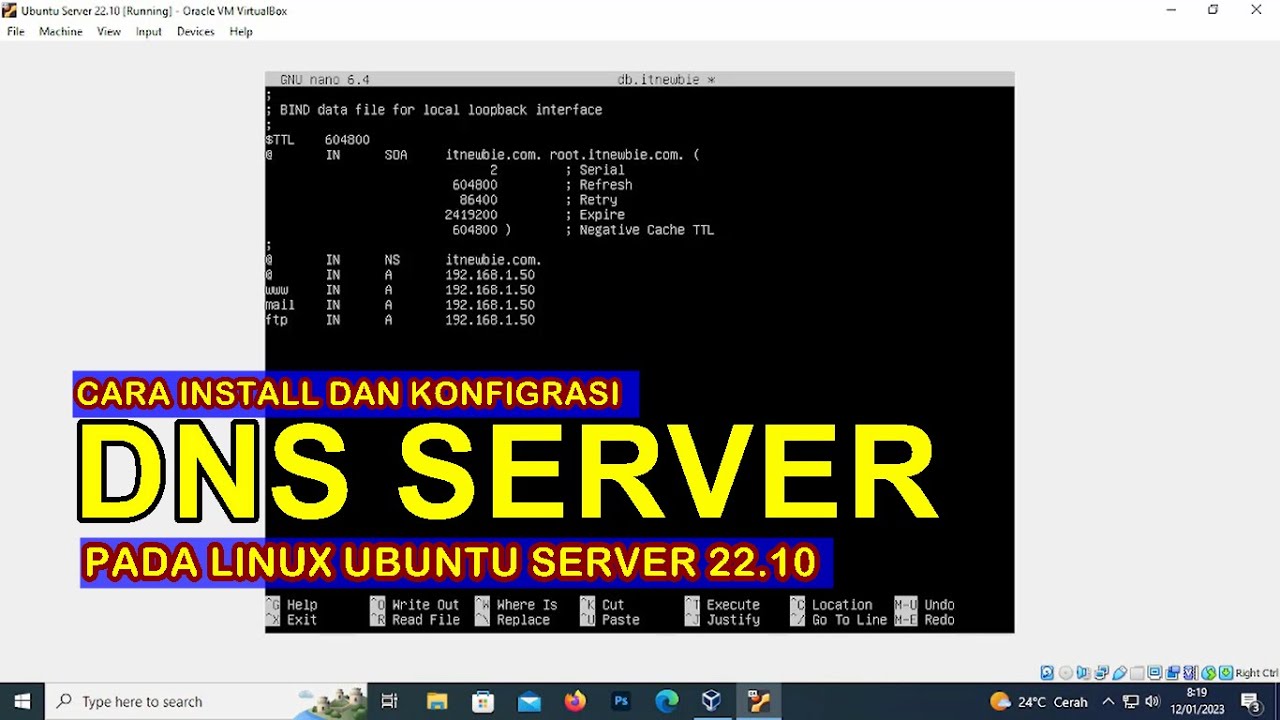
CARA INSTALL DAN KONFIGURASI DNS SERVER PADA LINUX UBUNTU SERVER 22.10 (VIRTUALBOX)
Langkah Install Debian Server Berbasis CLI (Text) - VirtualBox
Administrasi Sistem Jaringan
Instalasi dan Konfigurasi Server Softswitch Berbasis SIP
5.0 / 5 (0 votes)

