How to Download, Install, Program and simulate WPLSoft Delt PLC Software
Summary
TLDRThis video demonstrates how to download, install, and start using Delta’s WPLSoft software for PLC programming. The presenter walks viewers through accessing the Delta website, downloading the software, and completing a simple installation process. After installation, the video introduces the WPLSoft interface and explains its built-in simulator, which allows users to test PLC programs without actual hardware. To illustrate the basics, the presenter creates a simple PLC latching ladder logic program using input and output addresses, then compiles and runs it in simulation mode. The video serves as a beginner-friendly introduction to Delta PLC programming, with promises of more detailed tutorials in future videos.
Takeaways
- 😀 The WPL software is used for programming Delta PLCs, making it ideal for both beginners and professionals in industrial automation.
- 😀 The software can be downloaded from the Delta website by searching for 'WPL soft'.
- 😀 Delta PLCs are cost-effective and feature-rich, offering an affordable option for those interested in PLC programming.
- 😀 The WPL software download file is around 82 MB and comes as a simple .exe file for installation.
- 😀 Installation is quick and straightforward, with no special permissions or requirements needed for the software.
- 😀 The WPL software includes a built-in simulator that allows users to simulate PLC programs without needing physical hardware.
- 😀 A sample program is demonstrated, where a basic latching program is created using input and output addresses in the software.
- 😀 The PLC simulation process involves using 'normally open' and 'normally closed' contacts to control outputs in the program.
- 😀 The program uses a set of logical instructions to control the output even after releasing the input, showcasing the latch functionality.
- 😀 The software also features an online mode for real-time PLC connections, although this tutorial uses the simulator mode for simplicity.
- 😀 Future videos will cover more advanced programming topics, with viewers encouraged to ask for specific tutorial requests.
Q & A
What is WPL software, and what is its main use?
-WPL software is used to program Delta PLCs (Programmable Logic Controllers). It is useful for both learning PLC programming and for industrial automation applications.
Where can I download the WPL software?
-The WPL software can be downloaded from the official Delta website. The user is guided to search for 'WPL soft' in the website’s search section to get the download link.
What should I keep in mind while downloading the software?
-It is important to note the supported PLC models and devices for programming. The download page provides a description of compatible PLC types (e.g., DBSS, SS2, etc.), HMI devices, and VFDs (e.g., C2000).
What are the steps to install the WPL software?
-To install the WPL software, download the EXE file, unzip it, and run the installation file. The installation process is straightforward and does not require any special permissions or additional configurations.
What feature does the WPL software offer for simulation?
-The WPL software includes an in-built simulator that allows users to simulate PLC programs without needing actual PLC hardware. This feature is particularly useful for testing and learning PLC programming.
What types of PLCs can be programmed using the WPL software?
-The software supports various Delta PLC models, including DBSS and SS2 series. It also allows for programming other devices like HMIs (e.g., TP70P series) and VFDs (e.g., C2000 series).
How does the simulator work in the WPL software?
-The simulator works by allowing users to test their PLC programs in an online mode, where they can simulate inputs and observe outputs, as well as toggle set and reset operations without needing real PLC hardware.
What is a latching program in PLC programming?
-A latching program is a type of control where an output remains activated (latched) even after the input is released. In the example, the latch is maintained until a reset condition (such as pressing a stop button) is triggered.
Can the WPL software be used to create advanced PLC programs?
-Yes, the WPL software is capable of creating more advanced PLC programs beyond simple ones. The tutorial specifically walks through creating a latching program, and further videos will cover more complex programming.
Is the WPL software suitable for both beginners and professionals?
-Yes, WPL software is designed to be beginner-friendly, making it ideal for newcomers learning PLC programming. It is also suitable for professionals in industrial automation due to its affordability and feature set.
Outlines

Этот раздел доступен только подписчикам платных тарифов. Пожалуйста, перейдите на платный тариф для доступа.
Перейти на платный тарифMindmap

Этот раздел доступен только подписчикам платных тарифов. Пожалуйста, перейдите на платный тариф для доступа.
Перейти на платный тарифKeywords

Этот раздел доступен только подписчикам платных тарифов. Пожалуйста, перейдите на платный тариф для доступа.
Перейти на платный тарифHighlights

Этот раздел доступен только подписчикам платных тарифов. Пожалуйста, перейдите на платный тариф для доступа.
Перейти на платный тарифTranscripts

Этот раздел доступен только подписчикам платных тарифов. Пожалуйста, перейдите на платный тариф для доступа.
Перейти на платный тарифПосмотреть больше похожих видео
How to Install OpenPLC | Free PLC Software

TUTORIAL DASAR PLC OUTSEAL

Best Free Alternative Software for Internet Download Manager (IDM) 🤑🤑🤑
How to Program PLC Using Function Block Diagrams | OpenPLC
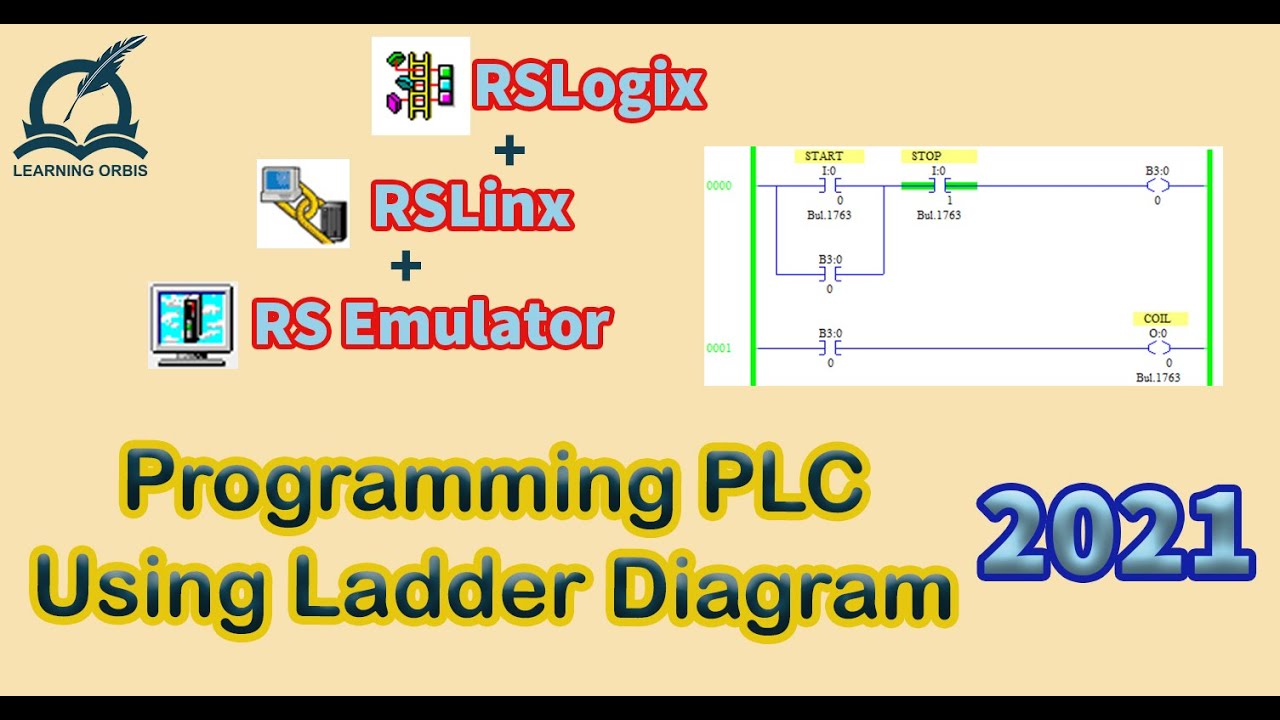
How to Program PLC Using Ladder Diagram | RSLogix

PART 1 PEMBUATAN DIAGRAM LADDER CX PROGRAMMER "Kendali manual motor on berurutan"
5.0 / 5 (0 votes)

