Curso de Promob Plus | Curso Promob Grátis - Configurações de Medidas
Summary
TLDRIn this video, Bruno provides a step-by-step guide on how to configure dimensions in the Promob software, essential for setting up piece sizes and material configurations before starting a project. He covers the process of adjusting maximum sheet sizes, choosing materials like MDF, and customizing specific parts such as lateral pieces, dividers, and bases. Bruno emphasizes the importance of setting these dimensions properly to avoid measurement errors during production, especially when working with external manufacturers. For those looking to master Promob, he recommends a comprehensive course linked in the description.
Takeaways
- 😀 Configure your measurements in Promob before starting a project to ensure proper cuts and part sizes.
- 😀 Once configured, you don't need to repeat the measurement setup in future projects.
- 😀 Ensure you set the correct material type (e.g., MDF) in the Promob settings for accurate part generation.
- 😀 Max sheet dimensions should be defined, such as 2750 for width and 1830 for length, to avoid errors in cutting.
- 😀 Always set the correct thickness of the material (e.g., 15mm for MDF) to maintain consistency throughout the project.
- 😀 Configure parts like side panels, dividers, and bases individually for more precise results.
- 😀 Double-check the edge banding options, such as edge thickness (e.g., 0.4mm), to match your production standards.
- 😀 When configuring modules, be mindful of the type of fixations (e.g., lateral fixation) to avoid alignment issues.
- 😀 Adjust the base depth for consistency in parts, as some cutting services may have a minimum cutting depth (e.g., 70mm).
- 😀 Take the time to configure each part of the project carefully to avoid errors later when cutting and assembling the parts.
- 😀 Bruno recommends taking a complete course to learn how to fully master Promob and enhance your project skills.
Q & A
Why is it important to configure dimensions before starting a project in Promob?
-Configuring dimensions before starting ensures that all pieces are cut accurately, preventing errors or the need for rework later on. This ensures that the project runs smoothly and pieces fit together properly.
What is the maximum width and length set for the sheet in Promob, and why?
-The presenter sets the maximum width of the sheet to 2750mm and the maximum length to 1830mm. This configuration ensures that Promob handles sheet sizes properly when generating cutting plans, avoiding issues with dimensions.
Can you use different materials in Promob, and how do you set them?
-Yes, you can use different materials in Promob. To set them, simply choose the material you are working with from the options in the software, such as MDF, HDF, or agglomerated materials.
Why does the presenter prefer to configure pieces individually, like the laterals, rather than using global settings?
-The presenter prefers configuring pieces individually to ensure more precise control over each component. This method ensures that the specific requirements for each piece are met, rather than using a blanket configuration for all pieces.
How does Promob handle the thickness of the material and the edge banding settings?
-In Promob, you can set the thickness of the material according to your preferences, such as 15mm for MDF. The software also allows you to set edge banding thickness and the type of material for edge banding, typically set at 0.4mm by default.
What is the significance of configuring the base and lateral attachment correctly?
-Correctly configuring the base and lateral attachment ensures the proper fit and alignment of the pieces. For example, setting the lateral piece to overlap the base by a specified amount ensures that everything fits together seamlessly in the final assembly.
How do you prevent issues with cuts that are too small for certain equipment?
-To avoid cutting issues, such as when companies can’t cut pieces smaller than 70mm, the presenter configures a minimum cutting size of 70mm. This ensures that the pieces are sized appropriately for the equipment that will be used to cut them.
What should you do if you want to configure the settings for a kitchen module in Promob?
-When configuring for a kitchen module, you need to select the appropriate configurations under the 'Kitchen' environment in Promob. From there, you can customize the piece dimensions, materials, and assembly methods specific to kitchen units.
Why is it recommended to configure settings for each environment separately, like for kitchen, bedroom, or bathroom?
-It is recommended to configure settings separately for each environment to account for the different design requirements and material needs specific to each type of room. This ensures that the resulting pieces are tailored to the environment in question.
What should you do if you want to avoid problems with wrong measurements in your project?
-To avoid issues with incorrect measurements, it’s crucial to carefully set up dimensions and materials before starting the project. This ensures that the measurements are accurate from the beginning, avoiding issues in cutting and assembly later on.
Outlines

Этот раздел доступен только подписчикам платных тарифов. Пожалуйста, перейдите на платный тариф для доступа.
Перейти на платный тарифMindmap

Этот раздел доступен только подписчикам платных тарифов. Пожалуйста, перейдите на платный тариф для доступа.
Перейти на платный тарифKeywords

Этот раздел доступен только подписчикам платных тарифов. Пожалуйста, перейдите на платный тариф для доступа.
Перейти на платный тарифHighlights

Этот раздел доступен только подписчикам платных тарифов. Пожалуйста, перейдите на платный тариф для доступа.
Перейти на платный тарифTranscripts

Этот раздел доступен только подписчикам платных тарифов. Пожалуйста, перейдите на платный тариф для доступа.
Перейти на платный тарифПосмотреть больше похожих видео
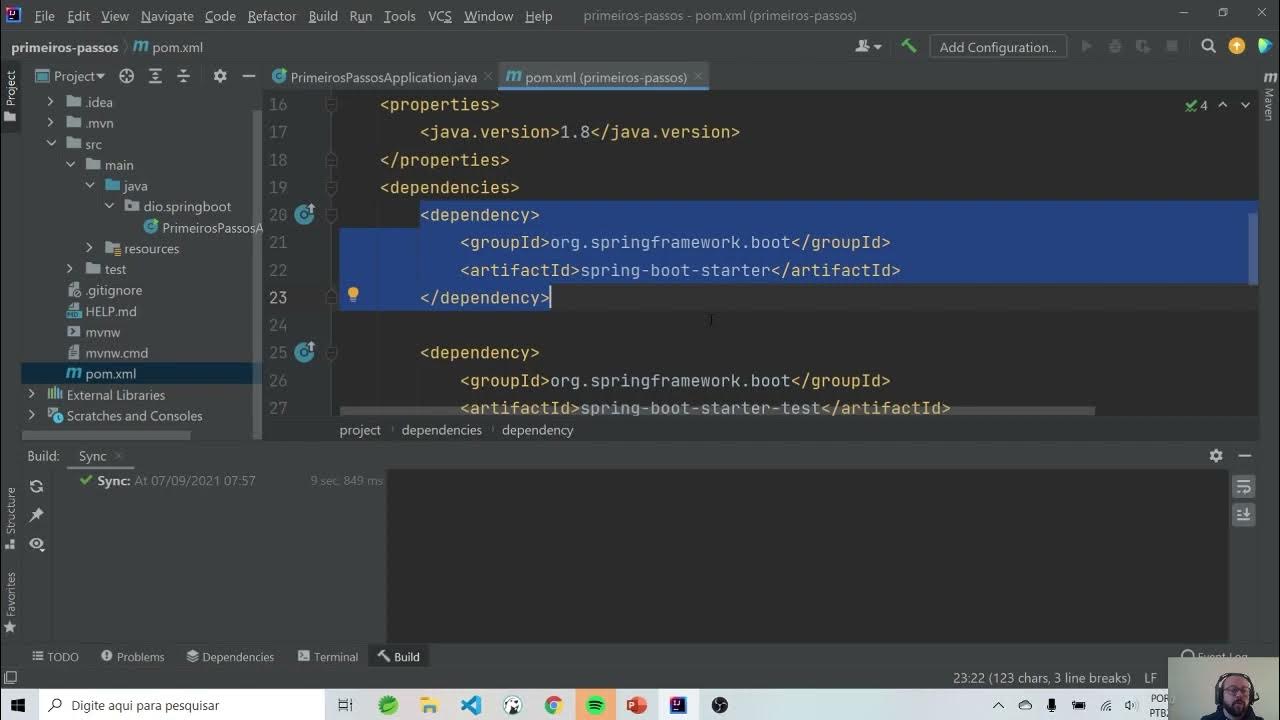
Primeiros passos
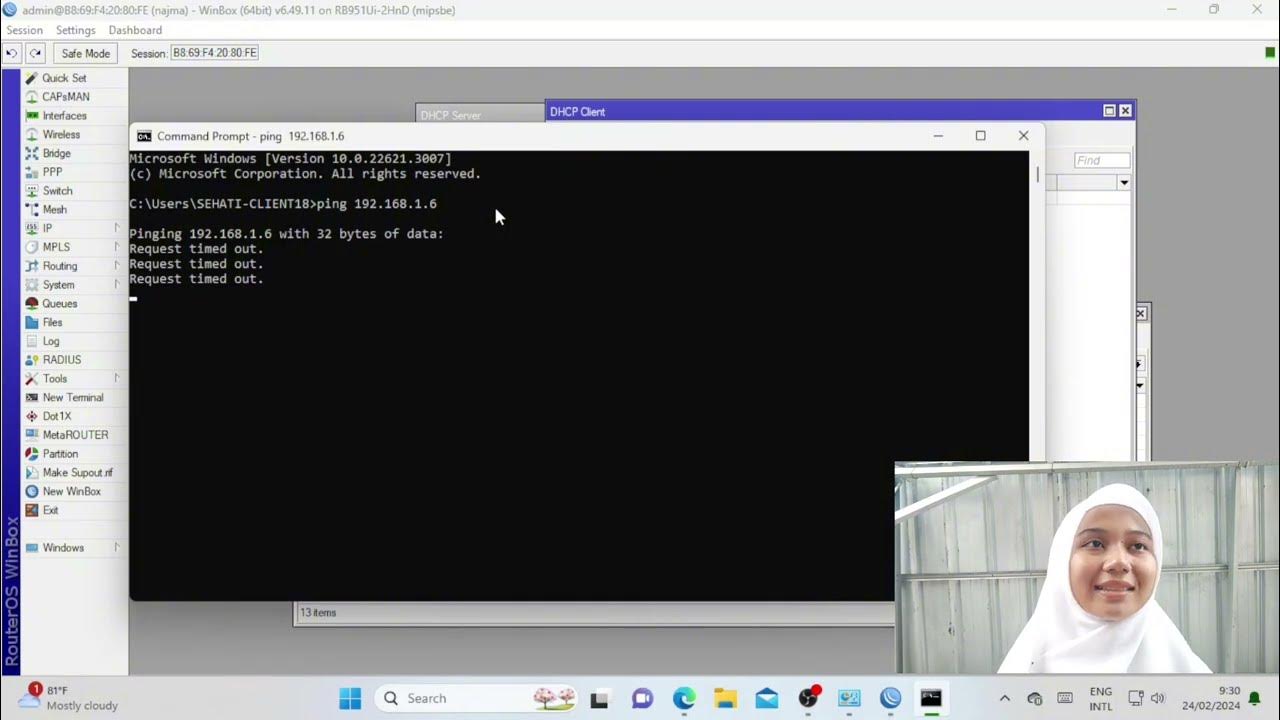
Troubleshooting Keamanan Jaringan Pada Jaringan WAN ( UJIKOM TKJ PKET 4 )
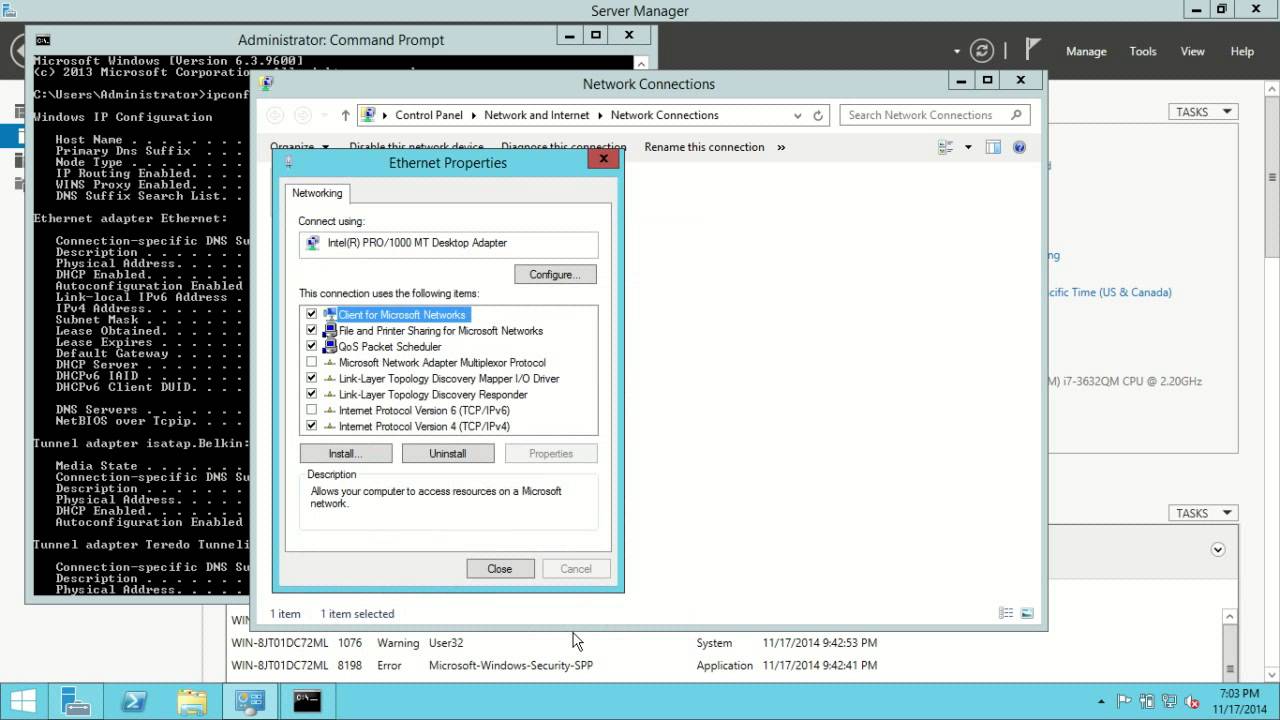
Windows Server 2012 R2 Initial Configuration

Tutorial Download Vite-React dan Tailwind CSS
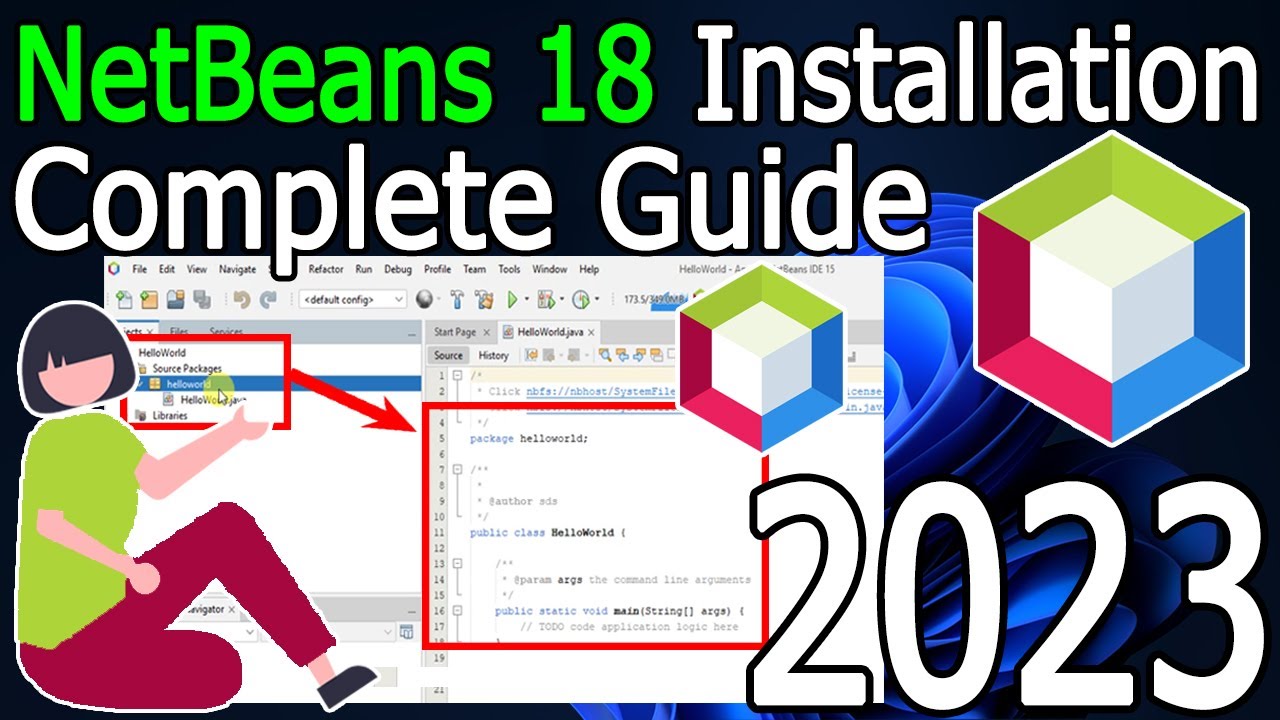
How to install NetBeans IDE 18 on Windows 10/11 (64 bit) [ 2023 Update ] Complete Installation guide
Prosedur Analisa Logam dengan Instrumen AAS GBC (Software AAS GBC)
5.0 / 5 (0 votes)

