Revit Course for Beginners – Part 1 – First Floor Design
Summary
TLDRThis Revit beginners course provides a comprehensive and easy-to-follow guide to learning Revit from scratch by modeling a modern villa project. The course covers key tools and commands, including wall creation, unit settings, level adjustments, and window/door placement. It emphasizes the use of shortcuts to boost efficiency, guides users through drawing walls and floors, and introduces techniques like creating custom door types, adjusting materials, and using the trim and align commands. By the end of the course, learners will have the skills and confidence to start designing their own projects in Revit.
Takeaways
- 😀 Revit is a leading software in the architectural industry, making it essential to learn for design professionals.
- 😀 The course is a 5-part series, teaching Revit from scratch by modeling a modern villa project.
- 😀 The first step in the course involves setting up the correct template and familiarizing yourself with the Revit interface.
- 😀 Users are encouraged to learn the shortcut keys for efficiency, such as 'UN' for units and 'DR' for door commands.
- 😀 Walls are drawn using commands, and Revit automatically converts them into 3D objects with height, unlike AutoCAD.
- 😀 Revit allows for easy adjustment of the floor height and level properties, which is critical for accurate modeling.
- 😀 New wall types can be created by duplicating existing ones and modifying their properties, such as thickness and material.
- 😀 Measurement shortcuts, like 'DD', are introduced to help users quickly take measurements while designing.
- 😀 A unique aspect of Revit is its system for creating door and window openings, which require walls to be present first.
- 😀 The tutorial covers the creation of structural elements, such as stairs, doors, and floors, with tips for adjusting materials and dimensions.
- 😀 Users are guided through aligning and trimming walls, placing windows, and managing the project’s backup settings to ensure efficient workflow.
Q & A
What is the purpose of the Revit course mentioned in the script?
-The purpose of the Revit course is to teach beginners how to use Revit software for architectural design. The course aims to help students model a modern villa project from scratch, providing them with the necessary skills and confidence to design their own projects.
What template is used in the course, and why is it important?
-The course uses the shared metric architectural template, which ensures that all participants are working with the same starting point. This standardization helps avoid any discrepancies and makes it easier for students to follow along.
Why is it recommended to use shortcut keys in Revit?
-Using shortcut keys in Revit is recommended because they allow for quicker and more efficient drawing and editing. The instructor emphasizes learning shortcut keys to speed up workflow, especially for repetitive tasks.
What does the 'UN' shortcut do in Revit?
-'UN' is the shortcut for the Project Units command in Revit. It allows users to change the measurement units used in the project, such as switching from millimeters to centimeters, according to personal preferences.
How can users change the type of wall they are drawing?
-To change the wall type, users can enter the Wall command and then access the 'Edit Type' section. By duplicating an existing wall type and adjusting its settings, such as thickness and material, they can create custom wall types for their project.
What is the 'Measure' command used for, and how can users create a shortcut for it?
-The 'Measure' command is used to measure the distance between two points in the project. Since it does not have a default shortcut, users can create their own by going to the View tab, selecting 'User Interface,' then 'Keyboard Shortcuts,' and setting a custom key combination for the 'Measure between 2 references' command.
How does Revit detect walls differently from AutoCAD?
-Unlike AutoCAD, Revit automatically detects that a line drawn is a wall and assigns it a height, turning it into a 3D object. This feature helps users focus on the design rather than manually assigning 3D properties to each wall.
What should users do when Revit asks them to save the project?
-When Revit prompts users to save the project, they should choose a location for the file and set the number of backup files in the Options section. This helps prevent data loss and keeps the project organized by limiting the number of backup folders.
How do users create a floor in Revit?
-To create a floor, users activate the 'FL' shortcut, which enters the sketch mode. They can then use the drawing tools to outline the floor's shape and assign a material from Revit's library.
What is the purpose of the 'Trim' command in Revit?
-The 'Trim' command in Revit allows users to connect two wall segments, removing any unnecessary gaps. It can be used when modifying walls, such as when creating openings or adjusting wall positions for doors and windows.
Outlines

Этот раздел доступен только подписчикам платных тарифов. Пожалуйста, перейдите на платный тариф для доступа.
Перейти на платный тарифMindmap

Этот раздел доступен только подписчикам платных тарифов. Пожалуйста, перейдите на платный тариф для доступа.
Перейти на платный тарифKeywords

Этот раздел доступен только подписчикам платных тарифов. Пожалуйста, перейдите на платный тариф для доступа.
Перейти на платный тарифHighlights

Этот раздел доступен только подписчикам платных тарифов. Пожалуйста, перейдите на платный тариф для доступа.
Перейти на платный тарифTranscripts

Этот раздел доступен только подписчикам платных тарифов. Пожалуйста, перейдите на платный тариф для доступа.
Перейти на платный тарифПосмотреть больше похожих видео
TUTORIAL BIM REVIT STRUKTUR SMK PART 20 | DPIB SMKN 1 JAKARTA - PONDASI BATU KALI
Revit API Course for beginners | Lesson 1 | Set up your coding environment
COMO USAR REVIT PASSO A PASSO PARA INICIANTES TUTORIAL RÁPIDO 2022
REVIT 2023 FAMILIES COURSE: Module 1 | 1. Why you should learn how to create families in Revit?
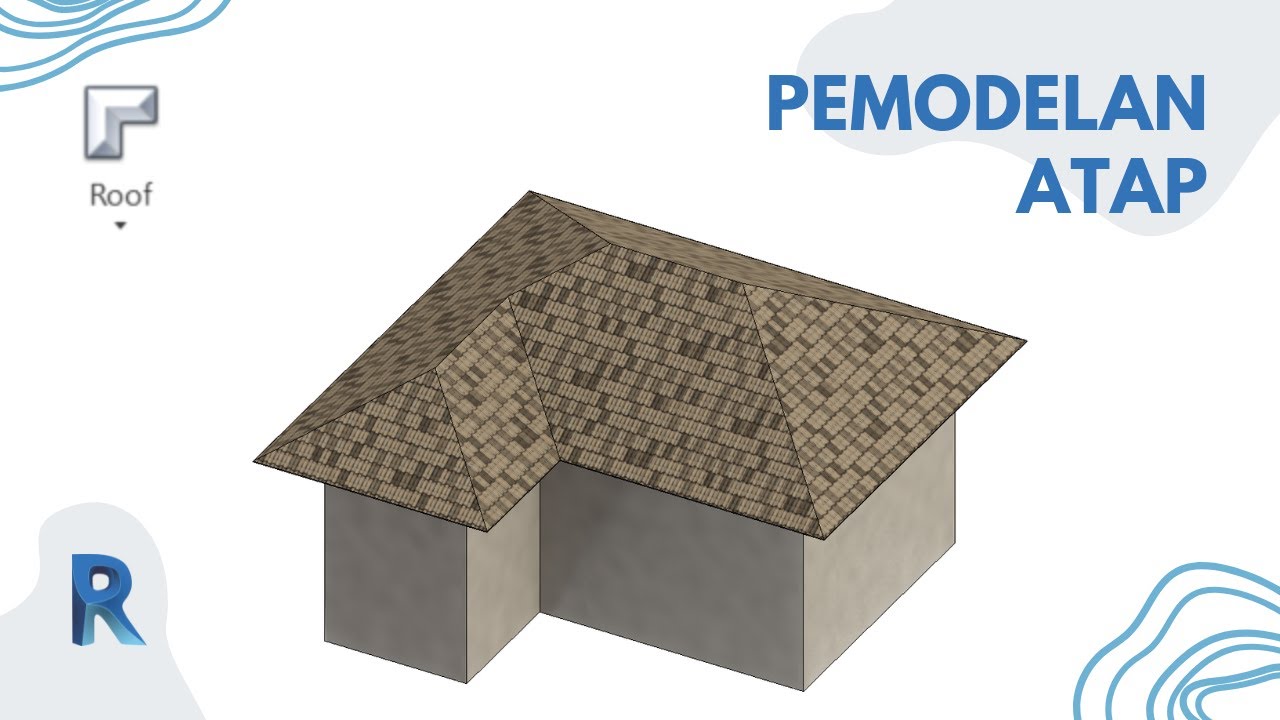
Roof Modeling || Revit Tutorial
Revit Snippets: How to clean & optimise DWG files for Revit
5.0 / 5 (0 votes)

