What's new with GitHub Copilot code review (CodeQL, agents & more)
Summary
TLDRGitHub Copilot's enhanced code review agent now combines intelligent, agent-driven workflows with deterministic tool-based detections. With Copilot as a pull request reviewer, it gathers repository-wide context, runs CodeQL security checks, and provides real-time validation for common issues. The agent identifies inconsistencies and potential breaking changes, delivering actionable feedback directly in-line with the code. Copilot’s integration with GitHub Actions streamlines the entire review process, allowing users to apply fixes, review suggestions, and track updates. Custom instructions let users fine-tune Copilot’s review style, ensuring the feedback aligns with their repository's specific conventions.
Takeaways
- 😀 Copilot now integrates an intelligent, agentic workflow combining AI feedback with deterministic code analysis.
- 😀 GitHub Copilot is used as a reviewer for pull requests, offering insights and feedback directly on the code.
- 😀 Copilot gathers repository-wide context and leverages tools like CodeQL for security and correctness-focused feedback.
- 😀 CodeQL analysis engine is integrated for industry-leading security checks and precise error detection.
- 😀 Copilot operates through GitHub Actions, allowing users to monitor the full workflow via the actions tab in a repository.
- 😀 Copilot can detect inconsistencies and potential breaking changes by understanding the entire repository context.
- 😀 Comments from Copilot are presented in-line within the pull request, offering focused and actionable guidance.
- 😀 A new 'commit suggestion' button allows users to apply fixes with a single click directly from the comments.
- 😀 Copilot can generate a stacked pull request with proposed fixes applied on top of the current branch for separate review and merging.
- 😀 The agent intelligently resolves conflicts between multiple suggestions, ensuring smooth application of fixes.
- 😀 Custom instructions can be added to the repository to guide Copilot’s review process according to user conventions and guidelines.
Q & A
What is the new feature introduced with GitHub Copilot in this script?
-The new feature introduced is a more intelligent, agentic workflow that combines AI feedback with deterministic detections from a code analysis engine for code reviews.
How does GitHub Copilot assist in code reviews on pull requests?
-GitHub Copilot is assigned as a reviewer on pull requests, providing feedback based on repository-wide context, running tools, and assembling its review with both AI-driven insights and deterministic code analysis detections.
What tools does GitHub Copilot use to gather context for its reviews?
-GitHub Copilot gathers context from the entire repository, leveraging code analysis tools like CodeQL and linters to detect security issues, correctness problems, and common coding issues.
How does GitHub Copilot run its code review process?
-The code review process runs through GitHub Actions, which lets users monitor the workflow in the actions tab. The agent orchestrates tools, traverses the repository, and posts results back to the pull request.
What is the role of CodeQL in GitHub Copilot's review process?
-CodeQL is integrated to provide industry-leading code analysis, focusing on security and correctness. It runs deterministic detections for precise feedback and is a key part of GitHub's security features.
What benefits does Copilot's holistic understanding of a repository provide?
-Because Copilot understands the repository as a whole, it can detect inconsistencies and potential breaking changes across files and services, which helps prevent issues before they arise.
How are Copilot's feedback and suggestions presented to the developer?
-Copilot's feedback is delivered as in-line comments with focused, actionable guidance. Developers can apply fixes with a single click using the commit suggestion button or handle them manually.
What is the stacked pull request feature in GitHub Copilot?
-The stacked pull request feature allows Copilot to create a separate pull request with proposed fixes applied on top of the current branch. This enables developers to review and merge changes separately from the original pull request.
How does GitHub Copilot handle multiple suggestions in a review?
-When multiple suggestions are made, Copilot applies them together and resolves any potential conflicts between them, ensuring a smoother review and integration process.
How can developers customize Copilot's review behavior?
-Developers can add custom instructions to their repositories to guide Copilot's reviews, incorporating their specific coding conventions, patterns, and guidelines into Copilot's feedback.
What happens when a developer requests a re-review from GitHub Copilot?
-When a developer requests a re-review, Copilot focuses on new insights, avoiding duplication of feedback and keeping the noise low while ensuring high-quality guidance.
Outlines

このセクションは有料ユーザー限定です。 アクセスするには、アップグレードをお願いします。
今すぐアップグレードMindmap

このセクションは有料ユーザー限定です。 アクセスするには、アップグレードをお願いします。
今すぐアップグレードKeywords

このセクションは有料ユーザー限定です。 アクセスするには、アップグレードをお願いします。
今すぐアップグレードHighlights

このセクションは有料ユーザー限定です。 アクセスするには、アップグレードをお願いします。
今すぐアップグレードTranscripts

このセクションは有料ユーザー限定です。 アクセスするには、アップグレードをお願いします。
今すぐアップグレード関連動画をさらに表示

Gemini CLI 2.0 (UPDATE): Powerful Coding Agent Beats Claude Code! (VS Code, New Agents, Github Mode)

OpenAI Codex in ChatGPT in 5 Minutes

No Code RAG Agents? You HAVE to Check out n8n + LangChain

UiPath Agent Builder
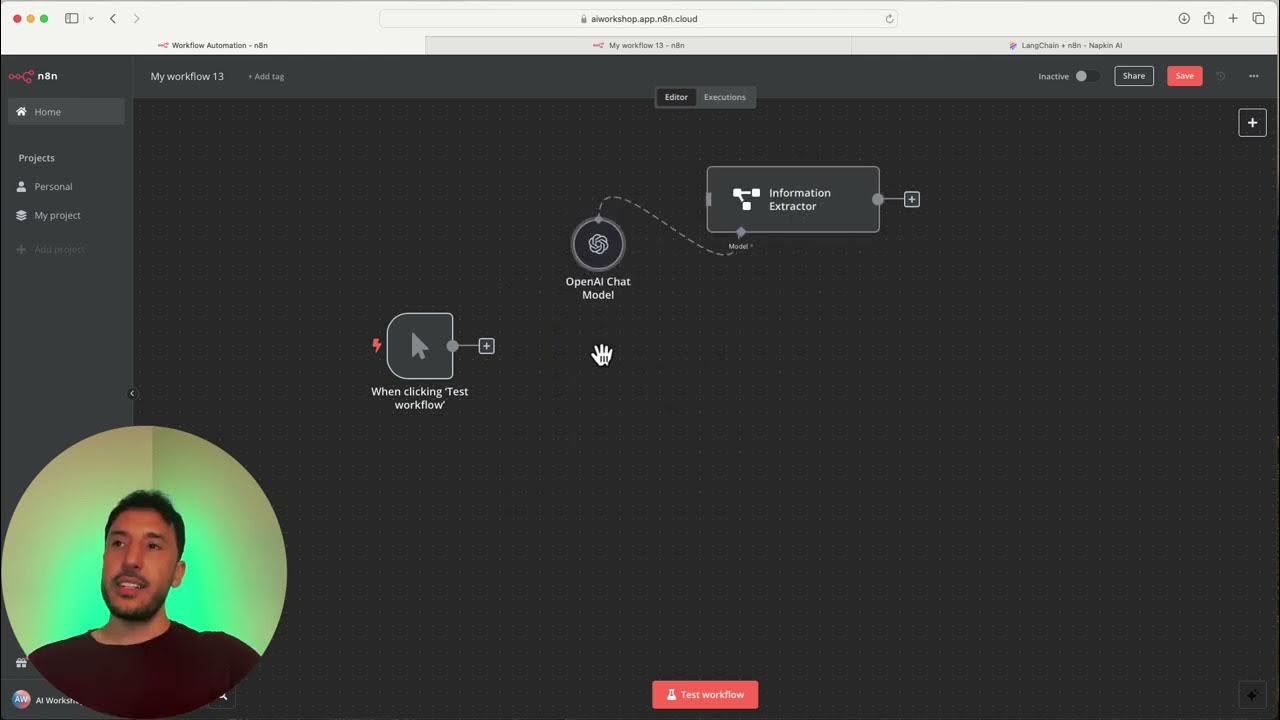
Chain nodes

AutoGen AI VS CrewAI VS LangGraph - Which AI Agent Framework Should You Choose?
5.0 / 5 (0 votes)

