We Tested This FREE TradingView Indicator — Full Backtest Results (Zero Lag Trend Signals)
Summary
TLDRDiscover the Zero Lag Trend Signals, a powerful free TradingView indicator by Algo Alpha that identifies trend shifts with minimal delay. This video demonstrates how to set it up with a 200-period EMA and ATR-based risk management for precise entry and exit points. Using a three-year backtest across Bitcoin, GBPUSD, Gold, S&P 500, and Tesla, results show consistent profitability and stability across multiple timeframes—from scalping to daily trading. The presenter also shares a custom Pine Script and highlights tools like Quant Optimizer for automated strategy optimization, helping traders confidently build systems around high-performing indicators.
Takeaways
- 🚀 The Zero Lag Trend Signals indicator is presented as a highly effective and free TradingView tool for identifying trade entries and exits.
- 📊 The indicator uses zero-lag calculations to reduce delay and provide earlier and more accurate trend signals than traditional moving averages.
- 🟢 A green band with an upward arrow signals a long entry, while a red band with a downward arrow indicates a short position.
- 📉 Adding a 200 EMA baseline helps filter out false signals by aligning trades with the overall market trend direction.
- ⚖️ Risk management is handled using ATR bands, with stop-loss and take-profit levels dynamically set based on volatility.
- 💰 A hybrid exit strategy is used: close 50% at first take profit, move stop-loss to break-even, and let the rest run until an opposite signal appears.
- 🧪 The strategy was tested across four timeframes (5m, 30m, 1h, daily) and five markets including Bitcoin, GBPUSD, gold, S&P 500, and Tesla.
- 📈 Backtesting results showed increasing performance on higher timeframes, with the 1-hour and 30-minute charts delivering the best balance of profit and stability.
- ⚠️ The 5-minute timeframe was profitable but showed high volatility, making it less suitable for scalping strategies.
- 🏆 The indicator demonstrated strong overall performance, achieving up to 186% profit and over 50% win rates in some timeframes.
- 🛠️ A custom Pine Script combining the indicator with a 200 EMA is offered for free to simplify implementation.
- 🤖 The ATP Premium testing bot enables automated backtesting and validation across multiple indicators and strategies.
- ⚡ The Quant Optimizer tool automates strategy optimization, saving time by testing multiple parameter combinations efficiently.
- 📚 The creator emphasizes that results depend on conditions and encourages building complete trading systems rather than copying settings blindly.
- 🥇 The Zero Lag Trend Signals indicator is ranked among the top three indicators tested on the channel.
Q & A
What is the main purpose of the Zero Lag Trend Signals indicator?
-The Zero Lag Trend Signals indicator is designed to identify powerful market trends early and filter out false signals, helping traders determine optimal entry and exit points.
Who created the Zero Lag Trend Signals indicator?
-The indicator was created by Algo Alpha, a top Pine Script developer focused on trend-following systems on TradingView.
What are the two key inputs in the Zero Lag Trend Signals settings?
-The two main inputs are 'length' and 'band multiplier', which can be adjusted to optimize the indicator for different trading strategies.
How does the indicator signal a long or short trade?
-A green band with an up arrow signals a long entry, while a red band with a down arrow signals a short entry.
Why is a 200-period EMA added to the strategy?
-The 200-period EMA serves as a baseline trend filter, allowing traders to only take long trades above it and short trades below it, reducing false entries.
How is risk managed in the system described in the video?
-Risk management uses ATR bands with a multiplier of three, setting stop-loss and take-profit levels accordingly. After reaching the first take-profit, 50% of the position is closed and the stop-loss is moved to break-even for the remaining 50%.
What markets and timeframes were used to test the strategy?
-The strategy was tested on Bitcoin, GBPUSD, Gold, S&P 500, and Tesla stock across 5-minute, 30-minute, 1-hour, and daily timeframes.
What were the results of the strategy on the 5-minute chart?
-On the 5-minute chart, the strategy achieved a 45% win rate and 80% net profit but showed high volatility, making it less ideal for scalping.
How did the strategy perform on the 30-minute and 1-hour charts?
-The 30-minute chart showed a 52.5% win rate and 186% profit, while the 1-hour chart had a 53% win rate, 182% profit, low drawdown, and consistent performance, with Bitcoin as the top performer.
What advantage does the custom Pine script mentioned in the video provide?
-The custom Pine script combines Zero Lag Trend Signals with a 200 EMA, automatically plotting valid buy and sell alerts on the chart, making it easy for traders to follow the strategy.
What is the Quant Trading Pro tool and how does it assist traders?
-Quant Trading Pro includes a TradingView extension called Quant Optimizer, which automates strategy optimization, testing multiple settings efficiently to deliver the best-performing parameters.
Where does the Zero Lag Trend Signals indicator rank according to the video?
-The indicator is considered a top-three performer by the presenter, due to its strong standalone performance, though viewers are encouraged to form their own opinions.
Outlines

Dieser Bereich ist nur für Premium-Benutzer verfügbar. Bitte führen Sie ein Upgrade durch, um auf diesen Abschnitt zuzugreifen.
Upgrade durchführenMindmap

Dieser Bereich ist nur für Premium-Benutzer verfügbar. Bitte führen Sie ein Upgrade durch, um auf diesen Abschnitt zuzugreifen.
Upgrade durchführenKeywords

Dieser Bereich ist nur für Premium-Benutzer verfügbar. Bitte führen Sie ein Upgrade durch, um auf diesen Abschnitt zuzugreifen.
Upgrade durchführenHighlights

Dieser Bereich ist nur für Premium-Benutzer verfügbar. Bitte führen Sie ein Upgrade durch, um auf diesen Abschnitt zuzugreifen.
Upgrade durchführenTranscripts

Dieser Bereich ist nur für Premium-Benutzer verfügbar. Bitte führen Sie ein Upgrade durch, um auf diesen Abschnitt zuzugreifen.
Upgrade durchführenWeitere ähnliche Videos ansehen

Top 3 FREE TradingView BuySell Indicators RANKED (With Proof!)

This FREE Indicator Predicts Reversals!

This NEW Indicator Is Beyond Your Imagination! It Will Blow Your Mind!

BEST Trend Line Breakout Strategy on TradingView 📈

My Boring MACD Trading Strategy Just Hit 71% Win Rate This Month
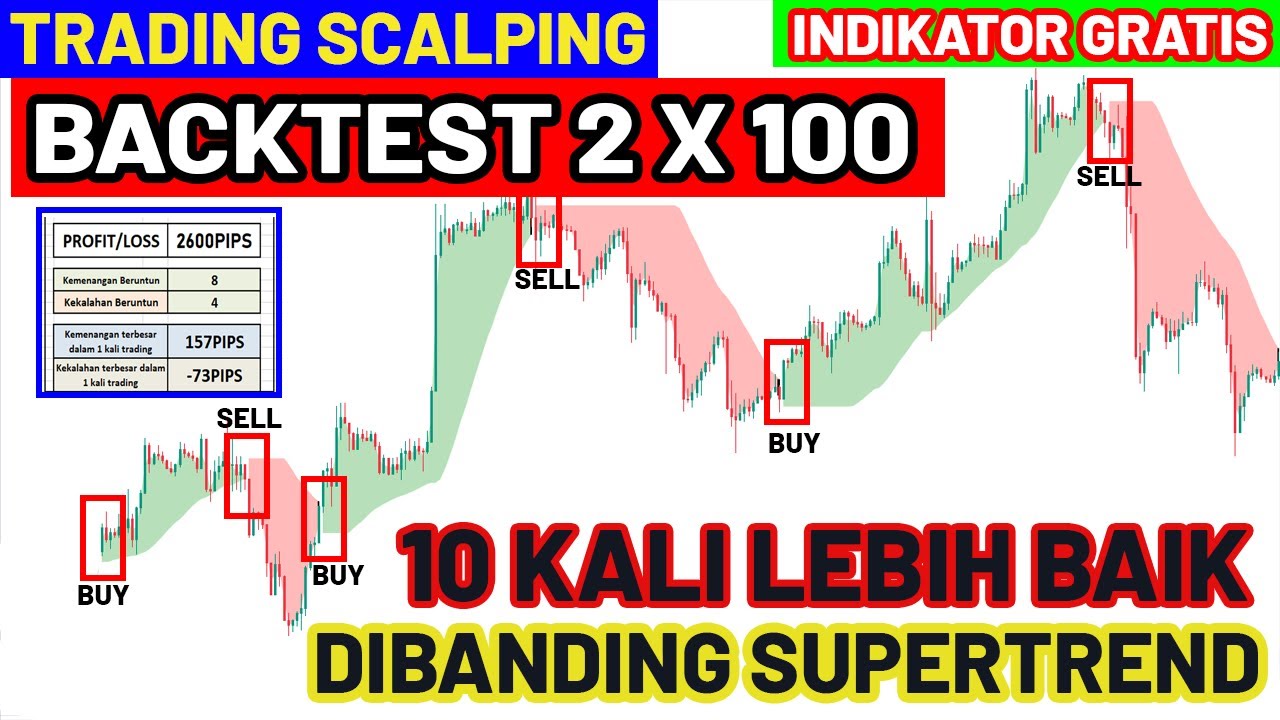
Backtest 100x | Strategi Scalping Menggunakan Indikator Supertrend Moving Average | Scalping Forex
5.0 / 5 (0 votes)

