How SSL Certificate Works? - HTTPS Explained
Summary
TLDRIn this video, the creator explains the process of securing communication on the internet using SSL certificates. The focus is on how SSL certificates work to encrypt data between clients and servers, ensuring a safe connection. The video also covers creating self-signed certificates for local development using OpenSSL, including instructions on generating private and public keys. While these certificates won't be verified by a certificate authority, they are useful for testing purposes. The creator encourages viewers to experiment with SSL certificates and invites feedback and suggestions for more explainer videos.
Takeaways
- 😀 SSL certificates are crucial for securing communication on the internet, especially for encrypting data during transmission.
- 🔐 SSL certificates can be obtained from trusted certificate authorities (CAs) like DigiCert or Let's Encrypt, or can be self-signed for local use.
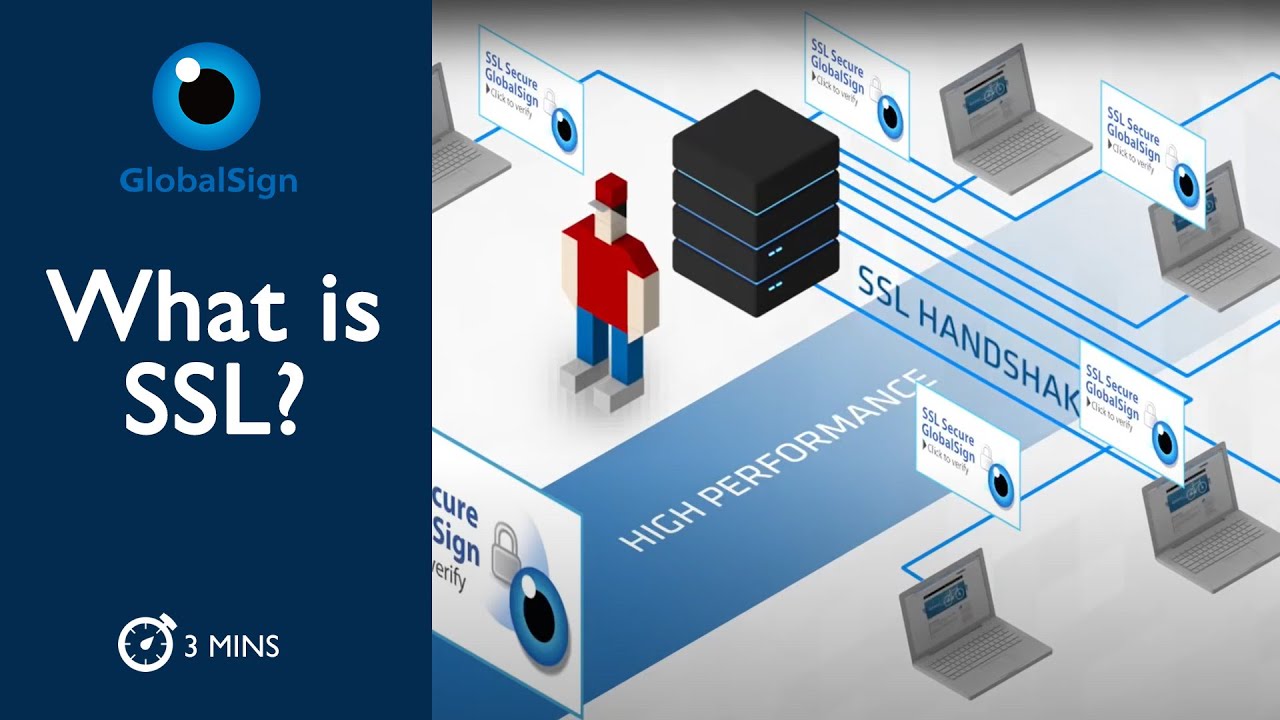
- 🌐 SSL certificates are installed on web servers to provide secure HTTPS connections, ensuring data confidentiality and integrity.
- 📜 SSL certificates contain information like the server's public key, the issuer's identity, and expiration date.
- 💻 Self-signed certificates can be created using tools like OpenSSL for local development, but they won't be trusted by browsers without validation.
- ⚠️ Browsers will show a warning for self-signed certificates because they are not verified by a trusted CA.
- 🔑 To create a self-signed certificate, users need a private key and a public key pair.
- 🌍 Self-signed certificates can be used for local hosts and development environments, even though they don’t provide the same level of trust as certificates from official CAs.
- 💡 OpenSSL provides a way to generate both public and private keys for self-signed certificates.
- 🔗 A link to a guide on creating SSL certificates with OpenSSL for local hosts will be provided in the video description.
- 🎬 The video encourages viewers to like, subscribe, and comment if they want more explainer videos on similar topics.
Q & A
What is the main topic of the video?
-The main topic of the video is explaining how SSL certificates work, specifically how to secure communication over the internet using SSL certificates and how to create self-signed certificates for local development.
What are SSL certificates, and why are they important?
-SSL certificates are digital certificates that authenticate the identity of a website and encrypt the data transferred between the website and its users. They are important for ensuring secure communication over the internet, preventing data interception, and verifying the identity of the website.
What is a self-signed SSL certificate?
-A self-signed SSL certificate is a certificate that is signed by the entity that created it, rather than by a trusted certificate authority (CA). It can be used for local testing or internal purposes but is not trusted by browsers for public-facing websites due to the lack of validation from a CA.
What is the downside of using a self-signed certificate?
-The main downside is that browsers will show a warning indicating that the certificate is not trusted because it has not been verified by a trusted certificate authority. This could create trust issues for users accessing the site.
Can self-signed certificates be used for production websites?
-Self-signed certificates should not be used for production websites because they are not trusted by browsers. It is recommended to obtain an SSL certificate from a trusted certificate authority (CA) for public-facing websites to avoid security warnings.
What tool is recommended in the video for creating self-signed certificates?
-The video recommends using OpenSSL CAI to generate self-signed SSL certificates for local host use. OpenSSL is a powerful toolkit for working with SSL/TLS protocols.
What is the advantage of using SSL certificates in local development?
-Using SSL certificates in local development helps simulate real-world conditions where secure communication is required, ensuring that local websites or applications are encrypted and securely handle data even in the testing environment.
How can SSL certificates be used in local host environments?
-SSL certificates can be installed on local host domains to secure communication between the client and the server during development. The process includes generating the self-signed certificate and configuring it for the local domain.
What happens when a self-signed certificate is used in a browser?
-When a self-signed certificate is used, browsers will display a warning that the certificate is not verified by a trusted certificate authority, as it is not signed by a recognized issuer.
Why does the video suggest trying self-signed certificates for local hosts?
-The video suggests trying self-signed certificates for local hosts as a way to learn and understand SSL/TLS encryption and to set up secure local environments for development, even if the certificates aren't trusted by browsers.
Outlines

Dieser Bereich ist nur für Premium-Benutzer verfügbar. Bitte führen Sie ein Upgrade durch, um auf diesen Abschnitt zuzugreifen.
Upgrade durchführenMindmap

Dieser Bereich ist nur für Premium-Benutzer verfügbar. Bitte führen Sie ein Upgrade durch, um auf diesen Abschnitt zuzugreifen.
Upgrade durchführenKeywords

Dieser Bereich ist nur für Premium-Benutzer verfügbar. Bitte führen Sie ein Upgrade durch, um auf diesen Abschnitt zuzugreifen.
Upgrade durchführenHighlights

Dieser Bereich ist nur für Premium-Benutzer verfügbar. Bitte führen Sie ein Upgrade durch, um auf diesen Abschnitt zuzugreifen.
Upgrade durchführenTranscripts

Dieser Bereich ist nur für Premium-Benutzer verfügbar. Bitte führen Sie ein Upgrade durch, um auf diesen Abschnitt zuzugreifen.
Upgrade durchführenWeitere ähnliche Videos ansehen

How to Handle SSL Certificate in selenium Webdriver || Ganesh Jadhav Automation Studio

Semua Wajib Tahu! Inilah Perbedaan HTTP vs HTTPS
What is SSL?

🖐️ Pagina Web GRATIS, Dominio, Hosting, Pagina Web, SSL, wordpress 1, curso / tutorial español

13. Cisco FTD SSL Decryption

Types of SSL Certificates - SSL Explained (SIMPLY)
5.0 / 5 (0 votes)

