Tips and Settings that have almost DOUBLED my iPhone battery life
Summary
TLDRThis video provides essential tips and tricks to help iPhone users extend their battery life and improve long-term battery health. It covers practical advice like managing background app refresh, optimizing email push settings, turning off always-on display, and reducing vibration power consumption. The guide also touches on key features like auto-brightness, notification management, and low power mode, alongside best practices for charging and maintaining battery health. The video emphasizes the importance of settings adjustments and habits to ensure your iPhone's battery lasts longer without sacrificing performance.
Takeaways
- 😀 Disabling background app refresh for non-essential apps can significantly improve battery life.
- 😀 Turning off the 'Always On Display' feature or adjusting its settings (like showing only the clock) can reduce battery drain, especially with OLED screens.
- 😀 Switch to a scheduled email fetch routine (e.g., every 15 or 30 minutes) instead of push notifications to save battery without missing important emails.
- 😀 Enable auto brightness in the accessibility settings to ensure your screen brightness adjusts based on the lighting conditions around you, helping save battery.
- 😀 Using 'Scheduled Summary' for notifications reduces screen wakeups and minimizes battery usage by batching non-urgent notifications.
- 😀 Low power mode is useful in emergencies, but using adaptive power (available on iPhone 15 and later) is a better long-term solution for battery management.
- 😀 Disabling 'Hey Siri' can save battery, especially if you rarely use voice commands.
- 😀 Manage battery health by using manual charging limits or the optimized battery charging feature for long-term battery preservation.
- 😀 Adaptive power adjusts performance and background activity to conserve battery without noticeable impact on phone use, especially on newer iPhone models.
- 😀 Reducing haptic feedback (vibrations) for notifications and keyboard inputs can save battery by lowering the power consumed by the Taptic Engine.
- 😀 In areas with weak signal, switching from 5G to 4G/LTE can help conserve battery life by reducing the power needed to maintain a weak 5G connection.
Q & A
What is Background App Refresh and why is it important for battery life?
-Background App Refresh allows apps to update their content in the background, even when you're not using them. While useful for apps like email or messaging, it can drain battery life as it keeps your phone active. Turning it off for non-essential apps like games or social media can significantly improve battery performance.
How does the Always-On Display feature affect iPhone battery life?
-Always-On Display keeps part of the screen active to show the time, wallpaper, and notifications even when the phone is locked. This uses power constantly, especially with OLED screens where lit pixels drain battery. Disabling it or reducing its features (e.g., turning off wallpaper or notifications) can lead to noticeable battery savings.
What is the benefit of switching from Push to Scheduled Fetch for email?
-Push delivers emails instantly, but it keeps the phone's radio active, which can drain battery, especially with high email volumes. Switching to Scheduled Fetch, where emails are checked at intervals (e.g., every 15 minutes), reduces unnecessary wakeups, offering a balance between receiving emails in a timely manner and saving battery.
How does Auto-Brightness help conserve battery?
-Auto-Brightness adjusts the screen brightness according to ambient light conditions. It reduces battery consumption by dimming the screen in low light and brightening it in high light. This feature ensures your display is only as bright as it needs to be, saving battery throughout the day.
What is Scheduled Summary for notifications and how does it save battery?
-Scheduled Summary batches non-urgent notifications together and delivers them at specified times, reducing the number of times your phone's display wakes up. This saves battery and helps reduce distractions during your day, while still allowing immediate alerts for important notifications like calls and messages.
How can turning off 'Hey Siri' save battery?
-'Hey Siri' keeps your iPhone constantly listening for the trigger phrase, using battery to keep the microphone and processor active. If you don’t use this feature often, turning it off saves battery while still allowing access to Siri by pressing the side button.
What is the relationship between charging habits and battery health?
-Lithium-ion batteries perform best when kept between 20% and 80% charge. Charging to 100% or draining to 0% too often can degrade battery health over time. Using optimized charging settings or setting a manual charging limit can help preserve battery health.
What is Adaptive Power Management and how does it work?
-Adaptive Power Management uses AI to learn your phone usage patterns and adjust performance, brightness, and background activities to save battery. It works invisibly, adjusting in the background without affecting your daily experience, making it a long-term solution for battery life management.
Why should you consider reducing or disabling haptic feedback?
-Haptic feedback, such as vibrations from notifications and typing, uses the taptic engine, which consumes battery power. Reducing or disabling haptic feedback, especially for non-essential notifications or keyboard actions, can lead to noticeable battery savings.
How does poor cellular signal impact iPhone battery life?
-When your iPhone has a weak cellular signal, it boosts power to maintain a connection, which drains the battery. Switching to 4G or LTE in areas with poor 5G coverage can help save battery by reducing the power needed for maintaining a weak 5G signal.
Is force closing apps necessary for saving battery?
-Force closing apps does not save battery in normal use. iOS efficiently suspends apps in the background, so closing and reopening them uses more resources than leaving them suspended. Only force close apps that are frozen or misbehaving to save battery.
What are the benefits of occasionally restarting your iPhone?
-Restarting your iPhone helps clear stuck background processes that might be draining battery. It can resolve unexpected battery behavior and improve performance when your phone feels sluggish. A restart is a simple but effective way to manage battery health.
Outlines

هذا القسم متوفر فقط للمشتركين. يرجى الترقية للوصول إلى هذه الميزة.
قم بالترقية الآنMindmap

هذا القسم متوفر فقط للمشتركين. يرجى الترقية للوصول إلى هذه الميزة.
قم بالترقية الآنKeywords

هذا القسم متوفر فقط للمشتركين. يرجى الترقية للوصول إلى هذه الميزة.
قم بالترقية الآنHighlights

هذا القسم متوفر فقط للمشتركين. يرجى الترقية للوصول إلى هذه الميزة.
قم بالترقية الآنTranscripts

هذا القسم متوفر فقط للمشتركين. يرجى الترقية للوصول إلى هذه الميزة.
قم بالترقية الآنتصفح المزيد من مقاطع الفيديو ذات الصلة
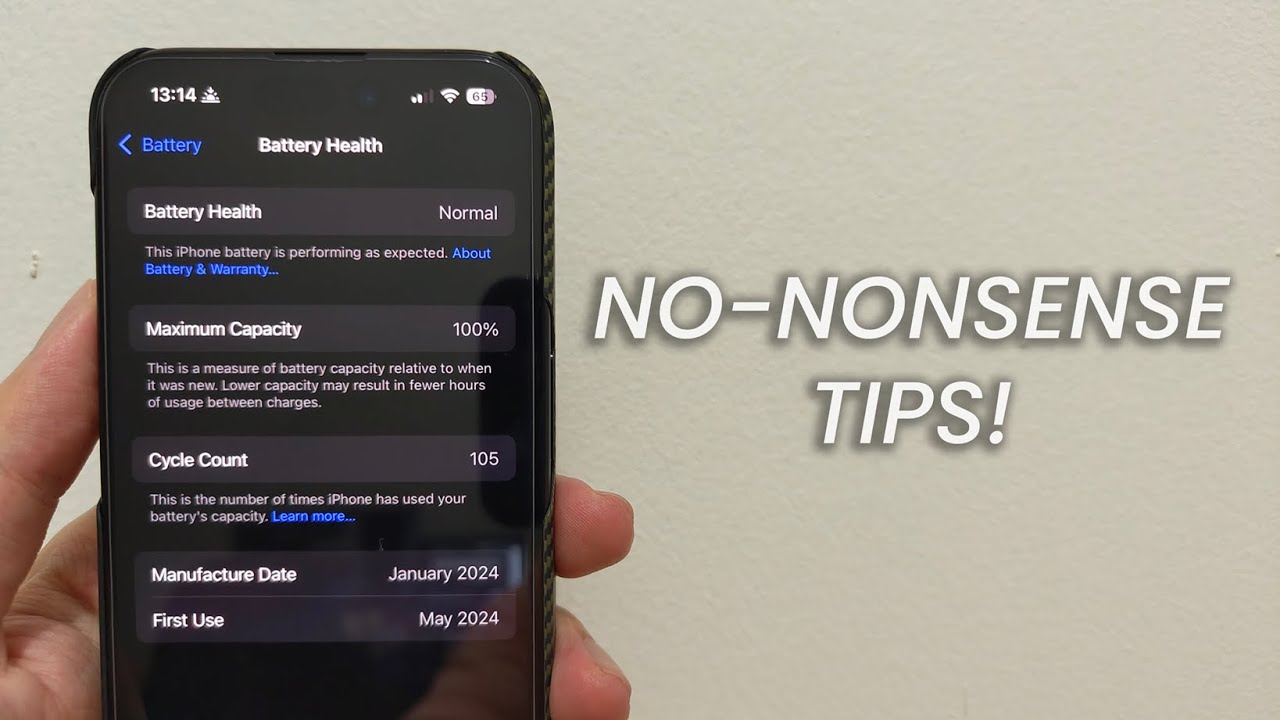
The ONLY battery health tips you need!

iOS 18.5 Improve BATTERY Life with these TRICKS

DJI drone battery care and maintenance guide || 5 PRO tips to increase Drone battery life
25 Ways To Fix Android Battery Drain [Works on Samsung, Pixel, & More!]
18 Settings that have almost DOUBLED my iPhone Battery life!
16 iPhone Battery Tips That Really Work! [2023]
5.0 / 5 (0 votes)

