Which Graphics Preset Should You Play at?
Summary
TLDRThis video explores the balance between graphical settings and frame rate in gaming, using benchmarks from popular titles like Overwatch, Battlefield 1, PUBG, and GTA 5. It delves into how different graphical presets (Ultra, High, Medium, Low) affect both performance and visuals, highlighting the diminishing returns in both areas. The analysis focuses on a GTX 1070 GPU, with the goal of helping gamers find the ideal settings based on their priorities—whether it's ultra-immersive visuals for single-player experiences or competitive edge in fast-paced games. Ultimately, it underscores that the sweet spot depends on the type of game and individual preference.
Takeaways
- 😀 Ultra settings may look visually appealing, but they can lead to significant frame rate drops, making them less suitable for competitive gaming.
- 😀 Many gamers seek a balance between frame rate and graphical settings, aiming for a visually appealing experience without sacrificing performance.
- 😀 The GTX 1070, a mid-range GPU, performs well at 1440p, but gamers may need to adjust settings to achieve a smooth frame rate.
- 😀 For competitive gaming, lower settings (like medium or low) can provide the best frame rate, which is crucial for fast-paced games like Overwatch and Battlefield 1.
- 😀 In games like Overwatch and Doom, there are minimal visual differences between ultra and lower graphical settings, but performance improves noticeably with reduced settings.
- 😀 Texture quality, lighting, and shadows are the primary graphical elements that change as you reduce settings, with reflections often taking the biggest hit.
- 😀 In resource-demanding games like Far Cry Primal, ultra settings offer the best visual experience but at the cost of frame rate, requiring a more powerful GPU for smooth performance.
- 😀 Single-player games like Witcher 3, Prey, and Far Cry Primal benefit from higher graphical settings for a more immersive experience, where visuals are prioritized over frame rate.
- 😀 Games like PUBG can require low settings not just for performance, but also because reducing shadows and textures can give a competitive advantage by making it easier to spot enemies.
- 😀 For most players, a frame rate of 60-70 FPS is the target with ultra settings, but competitive gamers tend to prioritize higher frame rates, even if it means sacrificing visuals.
- 😀 The decision between ultra, high, medium, or low settings largely depends on your gaming style—whether you prefer better visuals for immersion or higher frame rates for competitive edge.
Q & A
What is the main focus of the video regarding graphical settings in games?
-The video focuses on finding the balance between graphical settings and frame rate, specifically identifying the 'sweet spot' where you can get good visuals without compromising on frame rate. It explores how different graphical presets (Ultra, High, Medium, and Low) affect both performance and visual quality.
Why is Ultra setting often used in benchmarking, despite not being recommended for everyday gaming?
-Ultra settings are used in benchmarking to standardize the data and provide a reference point for performance comparison across different systems. This helps ensure consistency, as testing across various settings would lead to inconsistent and scattered results.
How does lowering graphical settings impact the frame rate in most games?
-Lowering graphical settings generally leads to an increase in frame rate. The more demanding settings, like high-quality textures, shadows, and anti-aliasing, place a strain on the GPU. Reducing these settings allows the GPU to render frames more quickly, resulting in a higher frame rate.
Why is the GTX 1070 used for testing in this video?
-The GTX 1070 is used because it represents a common mid-range GPU that many gamers have. Testing on this card allows the video to provide realistic frame rate scaling scenarios that most viewers can relate to, especially those playing at 1440p resolution.
What was the performance impact of changing settings in Overwatch?
-In Overwatch, the performance scales very linearly as the settings are lowered. The GTX 1070 maintains a high frame rate of around 130 FPS at Epic settings, and this improves further with each reduction in settings, although the bottom 1% and 0.1% of frames don't change much.
What is the trade-off when playing competitive games like Battlefield 1 at higher settings?
-In competitive games like Battlefield 1, playing at higher settings sacrifices frame rate for better visuals. Higher frame rates (around 144 FPS or more) are more important in competitive scenarios, as they can provide a smoother experience and a slight advantage in reaction time.
Why do players prefer low settings in PlayerUnknown's Battlegrounds (PUBG)?
-Players prefer low settings in PUBG to improve frame rate and gain a competitive edge. Lower settings reduce visual elements like shadows and textures, making it easier to spot opponents hiding in the grass, giving a tactical advantage.
How does Doom handle graphical settings, and what impact does it have on performance?
-Doom shows minimal difference between graphical settings. While there are slight visual reductions in anti-aliasing and reflections as you lower the settings, the performance difference is quite small, meaning the game performs similarly across all preset levels.
What did the comparison between Ultra and High settings in GTA 5 reveal about visual quality?
-In GTA 5, the difference between Ultra and High settings is noticeable mainly in the quality of shadows and meshes. Ultra settings provide sharper shadows and smoother meshes, but the performance hit is significant. High settings offer a good balance of visuals and performance, with less noticeable differences.
What is the key takeaway when comparing Ultra and Low settings in Far Cry Primal?
-In Far Cry Primal, the key difference between Ultra and Low settings is in the lighting and shadows, with Ultra offering a more cinematic experience. However, this comes at a significant performance cost. The choice between Ultra and Low settings depends on whether players prioritize visual immersion or smoother frame rates.
Outlines

هذا القسم متوفر فقط للمشتركين. يرجى الترقية للوصول إلى هذه الميزة.
قم بالترقية الآنMindmap

هذا القسم متوفر فقط للمشتركين. يرجى الترقية للوصول إلى هذه الميزة.
قم بالترقية الآنKeywords

هذا القسم متوفر فقط للمشتركين. يرجى الترقية للوصول إلى هذه الميزة.
قم بالترقية الآنHighlights

هذا القسم متوفر فقط للمشتركين. يرجى الترقية للوصول إلى هذه الميزة.
قم بالترقية الآنTranscripts

هذا القسم متوفر فقط للمشتركين. يرجى الترقية للوصول إلى هذه الميزة.
قم بالترقية الآنتصفح المزيد من مقاطع الفيديو ذات الصلة

GTA 6 Ready Flagship Gaming PC Build - i9-14900K | RTX 4090 | 48GB RAM🔥
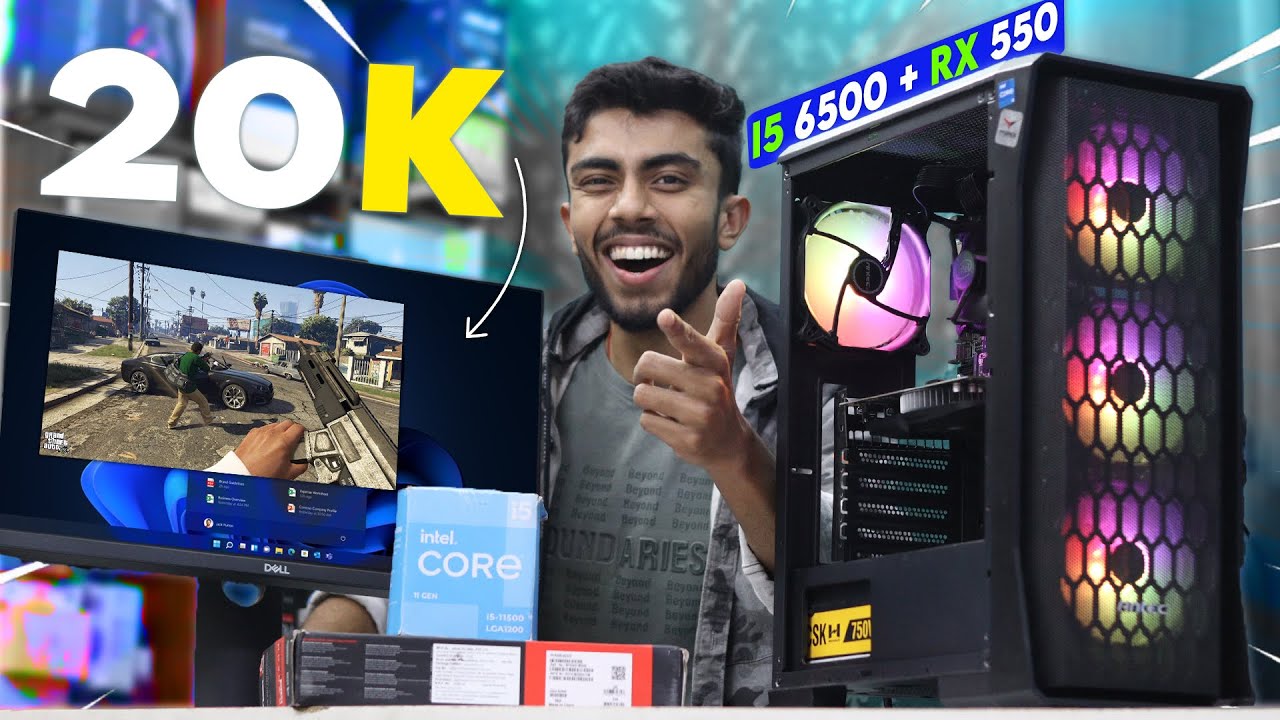
20,000/- Rs Super Intel i5 Gaming PC Build🔥 With GPU - Best Budget Gaming PC 2024 Complete Setup🪛

Oppo Reno 11 5G - Gaming Review (PUBG Mobile, Call of Duty, Injustice 2, Asphalt 9)

nVidia Quadro M2000 | Can It Game?

CHEAPEST PC Build For GTA 6 - 40,000/- Rs Budget Gaming PC

RYZEN 5 5600GT vale a pena em 2024 ?? TESTEI E DEU NISSO... (REVIEW COMPLETO E ATUALIZADO)
5.0 / 5 (0 votes)

