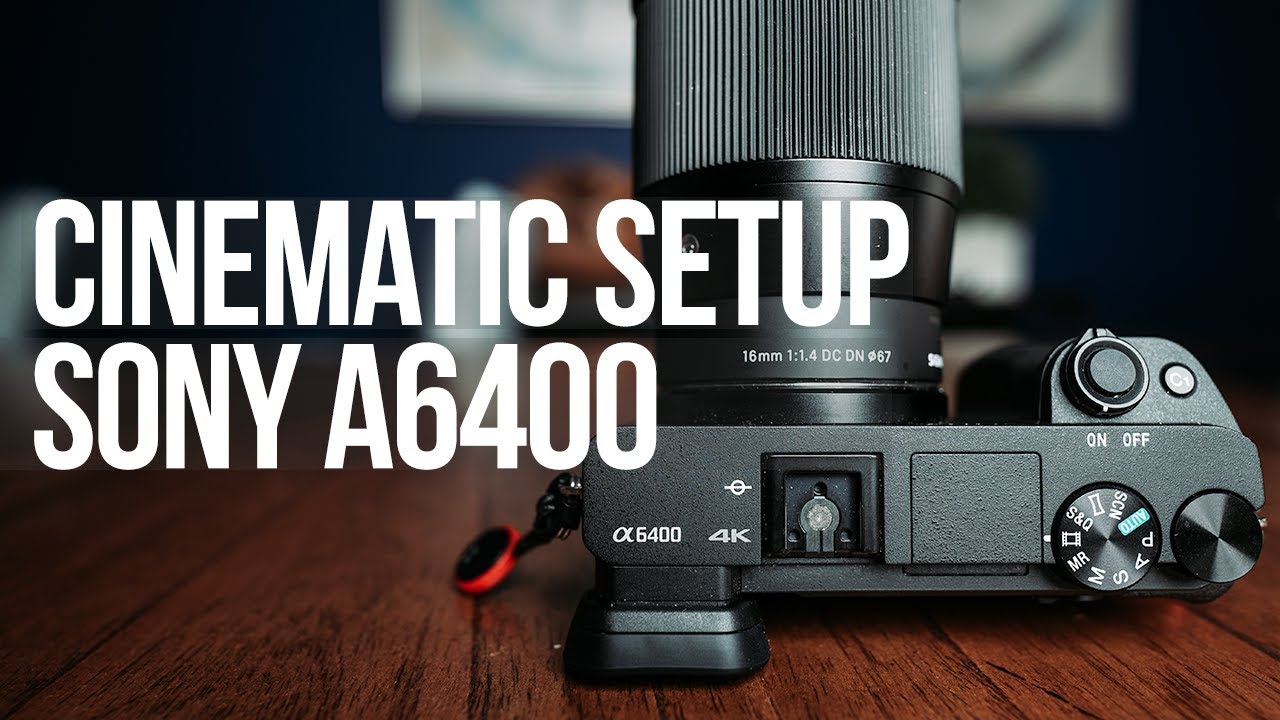
SONY A6400 Photography Setup Guide - Camera Settings Breakdown
Summary
TLDRIn this detailed guide, the creator breaks down their complete photography setup for the Sony a6400, covering everything from shooting modes and file formats to custom buttons, function menus, drive modes, and focus areas. They explain why they primarily shoot in manual mode, when aperture priority is useful, and how they optimize settings like RAW capture, autofocus, peaking, and auto ISO for maximum flexibility. The video also dives into burst shooting for street and action photography, long exposure tips, and practical autofocus strategies. Whether you’re a beginner or experienced shooter, this walkthrough offers valuable insights to help you get the most out of your a6400.
Takeaways
- 😀 **Manual Mode vs Aperture Priority:** Use Manual Mode for full control over shutter speed, aperture, and ISO. Aperture Priority is useful for street photography where the camera adjusts the rest automatically, allowing more focus on framing.
- 😀 **RAW Format:** Shoot in RAW for more post-production flexibility. RAW files retain more image data, enabling better adjustments in editing software like Lightroom.
- 😀 **Noise Reduction (NR):** Turn off Long Exposure NR in the camera. Handling noise reduction in post-processing gives you more control over the final result.
- 😀 **AF Illuminator:** Always turn off the AF illuminator to avoid red light distractions in low-light situations.
- 😀 **Focus Assist & Peaking:** Use focus peaking in manual mode to highlight in-focus areas, with a high peaking level and red color for visibility across various environments.
- 😀 **Custom File Name:** Change the default file name prefix (e.g., from DSC to cp1) for easier identification, especially when sharing photos with clients or friends.
- 😀 **Custom Buttons:** Reassign buttons for quick access to frequently used settings. For example, swap the AEL button for Focus Mode and assign Focus Area to the custom button for faster adjustments.
- 😀 **Function Menu Setup:** Key settings like exposure compensation, aspect ratio, and grid lines can be customized for quicker access to your most-used features during shooting.
- 😀 **Drive Mode for Burst & Timer:** Use Continuous High+ mode for street photography to capture fast moments, and self-timer for long exposure shots to avoid camera shake.
- 😀 **Focus Modes & Areas:** Use Continuous AF (AF-C) for moving subjects, and the Wide or Center Focus Area for general shots. The Flexible Spot mode is great for precise focus adjustments.
- 😀 **Burst Mode in Street Photography:** While controversial for some, burst mode is useful for capturing fast moments in street photography. After shooting, delete the unwanted images but retain the perfect shot.
Q & A
What shooting modes does the presenter primarily use with the Sony a6400?
-The presenter primarily uses Manual Mode and Aperture Priority Mode. In Manual Mode, they control all settings (shutter speed, aperture, and ISO), while in Aperture Priority Mode, they set the aperture, and the camera automatically adjusts the shutter speed and ISO.
Why does the presenter prefer shooting in Manual Mode?
-The presenter prefers Manual Mode because it gives full control over the camera settings, allowing for precise adjustments. They feel comfortable making these adjustments on the fly without having to think too much, as they are highly familiar with the camera.
What file format does the presenter shoot in and why?
-The presenter shoots in RAW format because it retains more image data, which provides greater flexibility in post-production software like Adobe Lightroom. This allows for better adjustments to exposure, colors, and other aspects of the image.
What is the purpose of turning off the AF illuminator?
-The presenter turns off the AF illuminator to avoid drawing attention to the subject with a red light when taking photos. They prefer to shoot discreetly, especially in street photography, without the camera's autofocus light signaling that a photo is being taken.
Why does the presenter recommend using Focus Peaking?
-Focus Peaking helps the presenter to easily identify what is in focus when shooting in Manual Mode. It highlights areas of the image that are in focus, making it easier to achieve sharp focus, especially in challenging lighting or when using manual focus.
What custom button settings does the presenter prefer on the Sony a6400?
-The presenter customizes the AEL button to Focus Mode and the custom button to Focus Area. This setup allows for quick access to adjust the focus mode and area while shooting, improving efficiency during shooting sessions.
How does the presenter configure the Function Menu?
-The presenter configures the Function Menu to include options like snq frame rates for slow motion and time lapses, focus modes, exposure compensation for auto ISO, aspect ratio, grid lines, white balance, and picture profiles for video. This setup provides quick access to essential settings during shoots.
What is the presenter’s opinion on using burst mode in street photography?
-The presenter uses burst mode in street photography to capture moments quickly. They prefer taking multiple shots in quick succession and deleting unwanted ones afterward rather than missing the moment. Although burst mode may be criticized, they find it useful for certain types of photography like street photography.
Why does the presenter use a self-timer for long exposure photography?
-The presenter uses the self-timer (set to 2 seconds) for long exposure shots to avoid any camera shake caused by pressing the shutter button. This method ensures that the camera is stable when the exposure begins, resulting in sharper images.
What are the main focus areas used by the presenter with the Sony a6400?
-The presenter primarily uses Wide, Center, and Flexible Spot focus areas. Wide is used most often due to the camera's strong autofocus performance, while Center is preferred when the subject is in the middle of the frame. Flexible Spot allows for precise focus control by adjusting the size of the spot and positioning it on the screen.
Outlines

此内容仅限付费用户访问。 请升级后访问。
立即升级Mindmap

此内容仅限付费用户访问。 请升级后访问。
立即升级Keywords

此内容仅限付费用户访问。 请升级后访问。
立即升级Highlights

此内容仅限付费用户访问。 请升级后访问。
立即升级Transcripts

此内容仅限付费用户访问。 请升级后访问。
立即升级浏览更多相关视频




5.0 / 5 (0 votes)

