Omarchy GameScope Launcher (Release) – Steam Deck–Style Gaming Without Leaving the Desktop
Summary
TLDRThis video introduces the Gamecope launcher, a customized gaming setup for Linux that provides a Steam Deck-like experience. It features an easy installation script that integrates Steam, Vulkan, Proton GE, and other necessary tools, offering smooth gaming for compatible hardware. The video covers key aspects such as hardware compatibility, configuration steps, and performance testing with games like Doom, Returnal, and Arc Raiders. The launcher supports AMD and Nvidia GPUs, while Intel users may face challenges. The guide also includes tips for external storage and performance optimization, making this a great solution for Steam gaming on Linux.
Takeaways
- 😀 Gamecope launcher is designed to offer a Steam Deck-like experience on Linux, allowing seamless switching between Gamecope and desktop modes using Super + Shift + S/R keybindings.
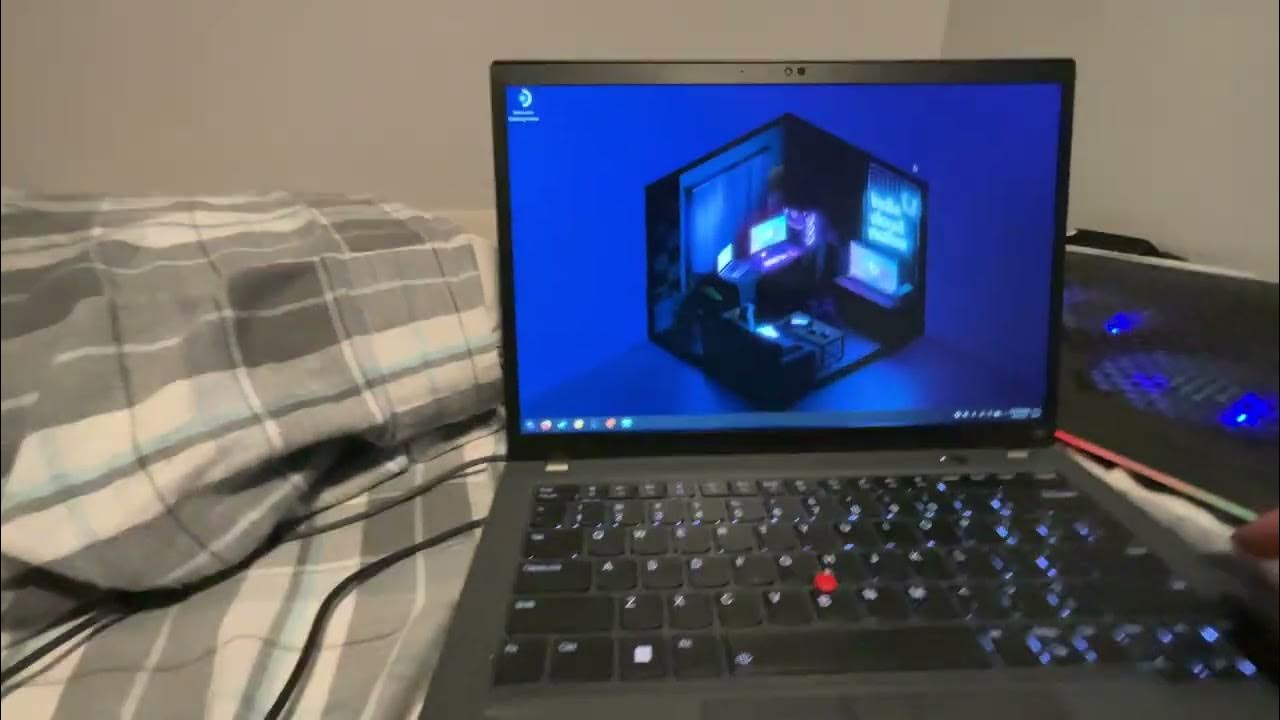
- 💻 Thanks to community members for their financial support, which helped the developer purchase a laptop to make the project possible.
- 🎮 The launcher installs all necessary components, including Steam, Vulkan, Proton GE, and other dependencies for gaming.
- ⚙️ For proper performance, Proton GE is set as the default compatibility layer for Steam games, simplifying the setup.
- ❌ Intel hardware is not supported by the Gamecope launcher, but AMD and Nvidia GPUs work well, with Nvidia being limited to a maximum resolution of 2560x1440p.
- 💾 The system supports external game storage, automatically detecting and adding external Steam libraries without needing additional setup.
- 🚀 The launcher supports switching between a gaming experience (Gamecope) and desktop mode, providing flexibility while gaming.
- 🔧 Some users may encounter issues with Nvidia cards related to HDR and resolution, but these can be fixed by disabling HDR in the system settings.
- 🎥 The speaker demonstrates real-time gameplay with games like Doom, Returnal, and Arc Raiders, showing smooth performance and high settings.
- 🔄 Users are advised to disable the frame rate limit in Gamecope for smoother gameplay, even on 60Hz monitors.
- 💡 The speaker plans to release additional plugins, including Decki Loader and a GeForce Now plugin, in future updates to enhance the system's functionality.
Q & A
What is the Gamecope launcher and how does it function?
-The Gamecope launcher is a tool designed to provide a seamless gaming experience by launching Steam and running it in an isolated 'Gamecope' session. It enables users to play Steam games within this environment, using keybindings (Super Shift S to launch and Super Shift R to return to the desktop).
What hardware configurations are supported by Gamecope?
-Gamecope works well with AMD and Nvidia hardware. It is not compatible with Intel-based systems, whether using integrated graphics (iGPU) or discrete Intel GPUs. There are separate configurations available for Intel systems, but they require manual installation and are more complex.
Are there any resolution limitations when using Nvidia GPUs with Gamecope?
-Yes, with Nvidia GPUs, the maximum supported resolution is 2560x1440p. Any attempts to go above this resolution can cause issues and graphical glitches.
What is Proton GE and how does it integrate with Gamecope?
-Proton GE (Glorious Eggroll) is a compatibility layer that helps run Windows-based games on Linux. Gamecope integrates Proton GE to ensure smooth game performance by switching games to Proton GE mode directly from Steam, avoiding additional external setup steps.
What should users do if they encounter issues with Gamecope on Nvidia systems?
-Users with Nvidia GPUs must add a specific command line ('Nvidia DRM mod set = 1') to enable proper functionality. A reboot is required after this step. Additionally, Nvidia users are advised to adjust settings to avoid exceeding the 2560x1440 resolution limit.
How does the installation process of Gamecope work?
-The installation involves downloading a script, granting execution permissions, and running it through a terminal. The script installs necessary components such as Vulcan, Proton GE, and the Gamecope launcher. It also sets up configurations for Steam and compatibility layers.
Does Gamecope automatically recognize external storage for Steam games?
-Yes, Gamecope automatically detects and integrates external Steam libraries from USB drives. Users don't need to manually attach the external drive for game access—Gamecope scans for it and adds the games to the launcher automatically.
How does the performance of games on Gamecope compare to running them on Steam Deck?
-Games on Gamecope perform similarly to running on Steam Deck, as it uses a Steam-based back end. If a game runs well on a Steam Deck, it should also run well on Gamecope. The system is optimized for AMD hardware but also works with Nvidia, with some limitations on resolution and settings.
What steps are needed to configure a game for optimal performance in Gamecope?
-To configure a game in Gamecope, users need to ensure that compatibility settings are set to Proton GE. They should also disable the pre-shader cache and ensure that the game's frame rate limit is removed for smoother gameplay. Additionally, enabling the performance overlay can help track game performance.
Can users modify or improve Gamecope by adding custom plugins?
-Yes, users can extend Gamecope's functionality by adding plugins. For example, Decki Loader and a GeForce Now plugin can be installed for additional features. The launcher is also open-source, allowing users to modify and improve it as needed.
Outlines

This section is available to paid users only. Please upgrade to access this part.
Upgrade NowMindmap

This section is available to paid users only. Please upgrade to access this part.
Upgrade NowKeywords

This section is available to paid users only. Please upgrade to access this part.
Upgrade NowHighlights

This section is available to paid users only. Please upgrade to access this part.
Upgrade NowTranscripts

This section is available to paid users only. Please upgrade to access this part.
Upgrade Now



5.0 / 5 (0 votes)
