What is HCI?
Summary
TLDRThis video introduces Human-Computer Interaction (HCI), focusing on how people interact with technology, from computers to mobile devices. It emphasizes the goal of HCI to create accessible, simple, and useful technology. The concept of Value Sensitive Design (VSD) is highlighted, where end users, not designers, define what is usable. The video discusses the three key traits of VSD: conceptualization, empirical research, and technical feasibility. It concludes by stressing the importance of user-centered design in making technology intuitive and adaptable, improving user experience across various devices and interfaces.
Takeaways
- 😀 HCI (Human-Computer Interaction) focuses on how people interact with technology, including devices like keyboards, mice, and smartphones.
- 😀 The goal of HCI is to design technologies that are simple, accessible, and useful for all users.
- 😀 Value-sensitive design (VSSD) is an important subset of HCI, which prioritizes user values such as usability, simplicity, and accessibility.
- 😀 Usability design aims to make complex technologies easier to use for as many people as possible by ensuring accessibility and ease of navigation.
- 😀 Examples of accessible web design include having essential navigation near the top and intuitive search functions on websites.
- 😀 The Ted's Value Added Model emphasizes that user preference for a product is driven by how intuitive and accessible its interface is, not just by cost.
- 😀 VSSD involves considering three main traits: conceptualization (users' needs), empirical (research-based evidence), and technical (supporting human values).
- 😀 By implementing VSSD, designers can create technology that adapts to different cultures and user groups.
- 😀 Accessibility in design is not just about ease of use but also about considering security and cultural values, as seen in the example of mobile banking linked to cell phones.
- 😀 As technology evolves, the goal of HCI is to make user interactions with technology as seamless and integrated into daily life as possible, from school to work to leisure.
Q & A
What does HCI stand for and what does it study?
-HCI stands for Human-Computer Interaction, which is the study of how people interact with technology interfaces, including computers, cell phones, MP3 players, and more. It focuses on improving the interaction between people and technology to enhance usability.
What is the main goal of Human-Computer Interaction (HCI)?
-The main goal of HCI is to design technologies that are simple, accessible, and useful, ensuring that users can interact with them effectively and intuitively.
What is Value Sensitive Design (VSD) and how does it relate to HCI?
-Value Sensitive Design (VSD) is a subset of HCI that focuses on integrating human values into the design process. It aims to ensure that technologies are not only usable but also sensitive to the cultural, social, and ethical values of the users.
How does accessibility play a role in HCI?
-Accessibility in HCI ensures that technology is designed to be easily used by as many people as possible, including those with disabilities. For example, websites with clear navigation, search boxes, and intuitive layouts make information accessible to users in a simple and effective way.
What are some key traits of usability design in HCI?
-Key traits of usability design in HCI include simplicity, usefulness, and accessibility. These traits make technologies easier to use and more intuitive, improving the user experience.
What is the Ted's Value Added Model, and how does it relate to HCI?
-The Ted's Value Added Model helps explain why users may choose one product over another, beyond just cost. It shows that products with more intuitive interfaces, like the iPod, will be preferred because they offer better accessibility and ease of use, which aligns with the goals of HCI.
What is Value Sensitive Design (VSSD), and what are its three key traits?
-Value Sensitive Design (VSSD) focuses on incorporating human values into the design process. Its three key traits are: conceptualization (understanding users' needs and goals), empirical (researching and validating design preferences), and technical (ensuring the technology supports or enhances users' values).
How does VSSD help in adapting technologies for different cultures or groups?
-VSSD ensures that technology is designed to be sensitive to different cultural and social contexts. For example, some users may appreciate the convenience of linking bank accounts to cell phones, while others may prioritize security concerns. VSSD accounts for these differing values when designing technology.
How does HCI improve user experience and interaction with technology?
-HCI improves user experience by making technology more intuitive and easier to use. By focusing on accessibility and usability, HCI ensures that technology fits seamlessly into users' everyday lives, from personal devices to professional tools.
Why is it important for designers to prioritize user needs in technology design?
-It is important for designers to prioritize user needs because the success of a technology depends on how well it meets users' goals and expectations. Focusing on what users find useful, accessible, and simple ensures the technology will be widely adopted and effective in real-world use.
Outlines

This section is available to paid users only. Please upgrade to access this part.
Upgrade NowMindmap

This section is available to paid users only. Please upgrade to access this part.
Upgrade NowKeywords

This section is available to paid users only. Please upgrade to access this part.
Upgrade NowHighlights

This section is available to paid users only. Please upgrade to access this part.
Upgrade NowTranscripts

This section is available to paid users only. Please upgrade to access this part.
Upgrade NowBrowse More Related Video

What Is Human-Computer Interaction (HCI)? The History of HCI
HCI 1. 3 Goals of Human Computer Interaction | HCI Full Course

Video 3.13 EDT

Introduction to Human-Computer Interaction - What is Human-Computer Interaction?
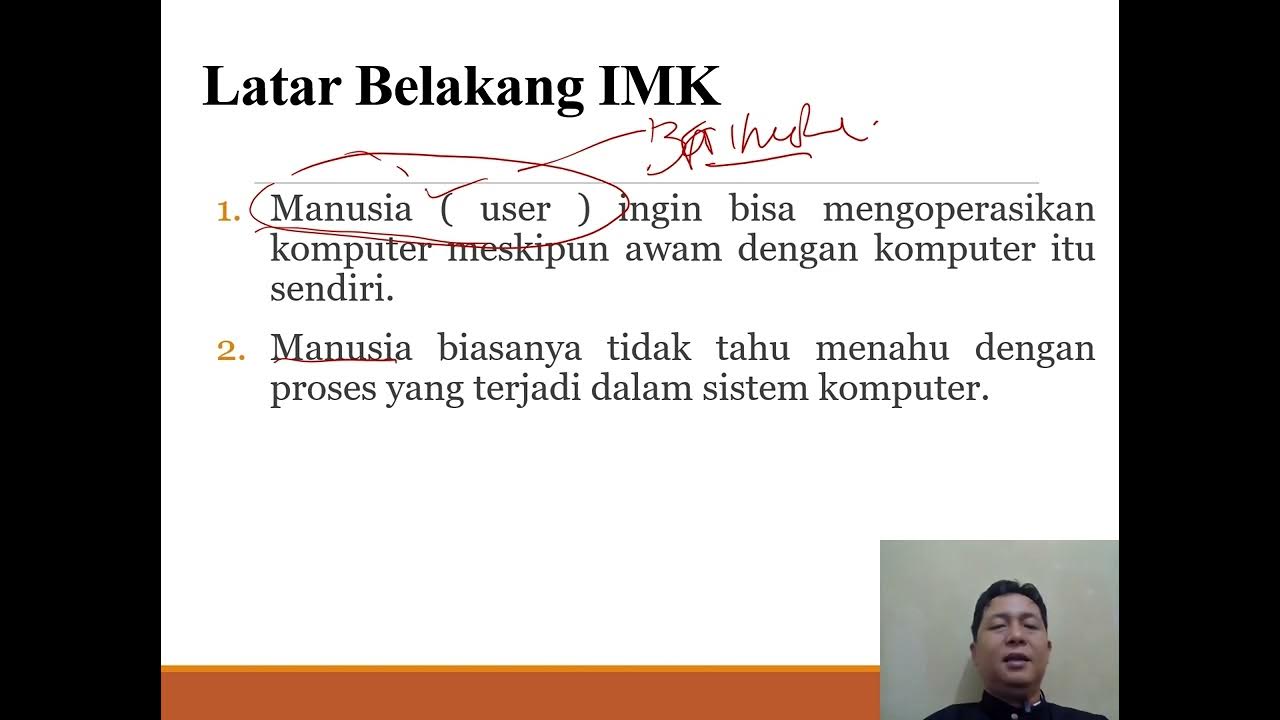
Video 1 Materi Interaksi Manusia & Komputer Rangkuman 1

Human Computer Interaction (HCI) - Lesson 01 - Introduction - by Sir Eudz
5.0 / 5 (0 votes)
