UML Use Case Diagram | Modern Systems Analysis and Design | شرح عربى لكل ما يخص مخطط حالة الاستخدام
Summary
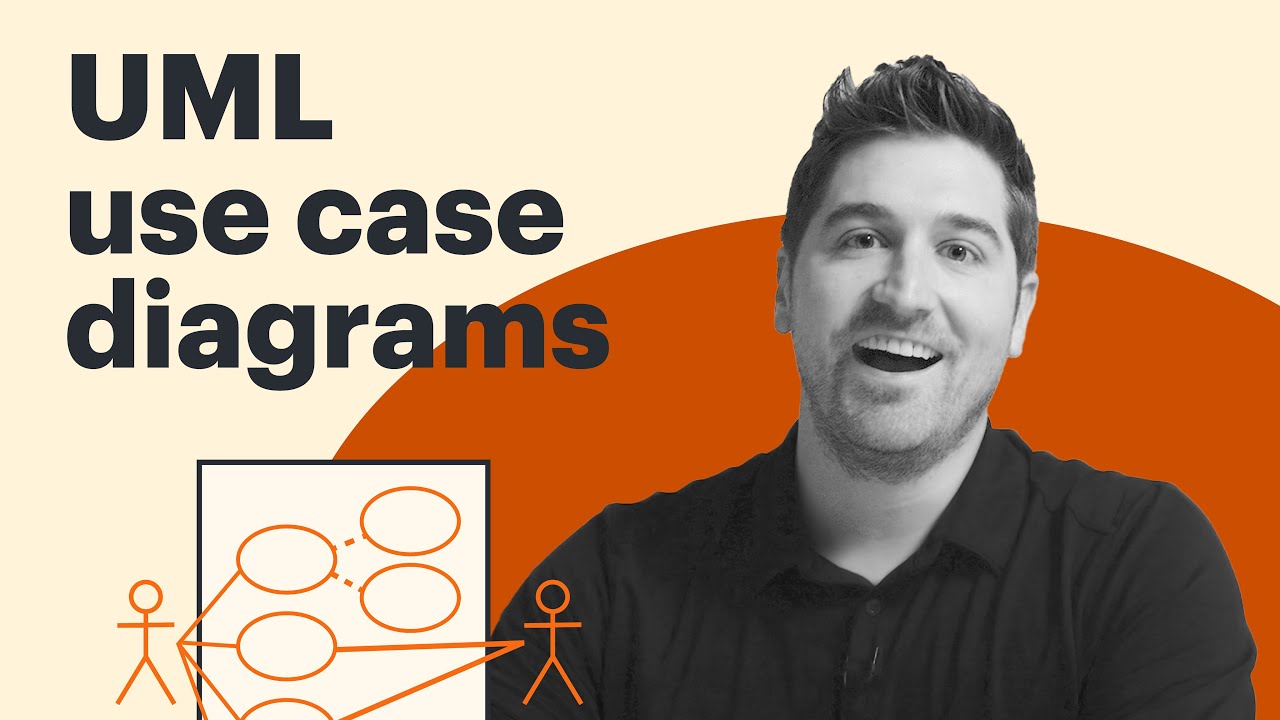
TLDRIn this tutorial, the instructor explains how to create Use Case Diagrams, focusing on actors, use cases, and the relationships between them. The video covers key concepts like primary and secondary actors, different types of relationships such as association, include, and extend, and how to represent these elements in diagrams. Examples are provided to illustrate each concept, with a specific case study involving a university system. The video aims to help viewers understand the process of drawing Use Case Diagrams and how to apply them practically, with further examples to be discussed in the next video.
Takeaways
- 😀 Use Case Diagrams (UCD) are represented with ovals for use cases and actors interacting with the system.
- 😀 Primary actors are placed on the left side of the system boundary and directly use the system.
- 😀 Secondary actors are placed on the right side and react to the primary actor's actions.
- 😀 Actors can be persons, devices, or other systems, but must be external to the system being modeled.
- 😀 Association relationships are simple lines connecting actors to use cases, representing a basic interaction.
- 😀 Include relationships are mandatory behaviors; they are represented with dashed arrows pointing to the included use case.
- 😀 Extend relationships are optional behaviors; they use dashed arrows pointing from the optional use case to the base use case.
- 😀 Generalization (جشن) allows actors or use cases to branch into multiple variants, showing hierarchy or specialization.
- 😀 Actions inside use cases should be written as verbs to clearly indicate system functionalities.
- 😀 Extension points can be added within use cases but are optional and allow for additional behavior when triggered.
- 😀 Always ensure primary actors perform at least one use case, while secondary actors respond to primary actors.
- 😀 Practical example used: University Reservation System, where students are primary actors, and instructors and finance offices are secondary actors.
Q & A
What is the purpose of a Use Case Diagram?
-A Use Case Diagram represents how users (actors) interact with a system to achieve specific goals, showing the system's functionalities (use cases) and relationships between them.
What is the difference between a Primary and a Secondary Actor?
-A Primary Actor directly interacts with the system to achieve a goal, while a Secondary Actor supports the system's functionality but does not initiate the interaction. Primary actors are on the left, and Secondary actors are on the right in the diagram.
What shapes are used to represent actors and use cases in a Use Case Diagram?
-Actors are represented by stick figures, while Use Cases are represented by ovals or ellipses.
What is the significance of the system boundary in a Use Case Diagram?
-The system boundary is a rectangle that contains all the use cases, indicating the scope of the system being modeled. It helps define what is inside and outside the system.
Can an actor be something other than a person in a Use Case Diagram?
-Yes, an actor can be a system, device, or even another external entity, as long as it interacts with the system being modeled.
What does the 'include' relationship mean in a Use Case Diagram?
-'Include' represents a mandatory relationship where one use case must always include the behavior of another. For example, logging in always requires entering a password.
How does the 'extend' relationship differ from 'include'?
-'Extend' is an optional relationship where the behavior of one use case may be extended by another. It does not always occur and depends on certain conditions, unlike 'include' which is always executed.
What is Generalization in a Use Case Diagram?
-Generalization in a Use Case Diagram allows an actor or use case to inherit the behavior of another, representing a 'specialization' of the base actor or use case. For example, a 'New Customer' is a specialized type of a 'Customer'.
What is the purpose of extension points in a Use Case Diagram?
-Extension points define where optional behaviors can extend an existing use case. However, they are not commonly used, and extensions are usually represented by the 'extend' relationship itself.
Why is the distinction between 'include' and 'extend' important in a Use Case Diagram?
-'Include' defines mandatory behaviors that always occur, while 'extend' defines optional behaviors that may or may not happen. This distinction helps accurately model the system’s functionality based on conditional or mandatory requirements.
Outlines

This section is available to paid users only. Please upgrade to access this part.
Upgrade NowMindmap

This section is available to paid users only. Please upgrade to access this part.
Upgrade NowKeywords

This section is available to paid users only. Please upgrade to access this part.
Upgrade NowHighlights

This section is available to paid users only. Please upgrade to access this part.
Upgrade NowTranscripts

This section is available to paid users only. Please upgrade to access this part.
Upgrade NowBrowse More Related Video



5.0 / 5 (0 votes)
