I Built a 𝗥𝗘𝗔𝗟 WordPress Plugin Using ChatGPT (𝗕𝗲𝗴𝗶𝗻𝗻𝗲𝗿 𝘁𝗼 𝗣𝗿𝗼 🔥)
Summary
TLDRThis video demonstrates how to create a custom WordPress plugin to block orders outside of specific business hours for an e-commerce store. The creator walks through the entire process—from developing the plugin using AI tools like ChatGPT to customizing its features, such as adding a custom message and modifying the notification display. Viewers learn how to package and sell the plugin, as well as personalize it with their own branding. The video also highlights how to make the plugin mobile-responsive and sell it via a landing page or other marketplaces, making it accessible for beginners without coding experience.
Takeaways
- 😀 AI tools like ChatGPT can assist in developing custom WordPress plugins without requiring coding skills.
- 😀 The plugin being developed allows store owners to block orders outside of specified business hours.
- 😀 Users can set operational hours for their e-commerce store via the WordPress backend, such as from 10 AM to 11 PM.
- 😀 The plugin disables the 'Add to Cart' button after the store's closing time and shows a custom message instead.
- 😀 The plugin can be customized to display specific messages, such as 'We are currently closed' during off-hours.
- 😀 The plugin is fully responsive, ensuring it works on both desktop and mobile devices.
- 😀 The plugin allows users to personalize the 'author name' and link it to their official website.
- 😀 Once developed, the plugin can be sold or shared by creating a zip file of the plugin.
- 😀 ChatGPT can help generate the necessary code and steps for building the plugin, making it accessible for beginners.
- 😀 The process of customizing the plugin includes adjusting text placement, making it look better on product pages, and ensuring it’s mobile-friendly.
- 😀 After building and customizing the plugin, you can easily sell it on marketplaces or create a landing page to promote and distribute it.
Q & A
What is the main purpose of the WordPress plugin discussed in the video?
-The main purpose of the plugin is to allow e-commerce store owners to restrict customers from placing orders outside of specified business hours. It displays a custom message on the product page during off-hours and disables the 'Add to Cart' button.
Can you create a WordPress plugin without knowing coding?
-Yes, the video demonstrates how to create a WordPress plugin without requiring knowledge of coding. AI tools like ChatGPT can generate the necessary code based on your requirements, allowing even beginners to create plugins.
What is the key feature of the plugin created in the video?
-The key feature of the plugin is the ability to block customers from placing orders outside of the store's operating hours. It shows a custom message like 'We are currently closed' and removes the 'Add to Cart' functionality during off-hours.
How does the plugin work with different time zones?
-The plugin works according to the site's time zone settings in WordPress. It automatically adjusts to the time zone configured in the WordPress general settings, ensuring that it functions correctly regardless of the store's location.
How can the plugin's notification message be customized?
-The notification message displayed on the product page can be customized. You can modify the text to suit your store's needs. For example, the message can say, 'We are currently closed. Please come back during store hours.'
Can the plugin be used for multiple types of stores, or is it limited to specific businesses?
-The plugin is versatile and can be used for various types of e-commerce stores that operate within specific hours. While the example in the video is for a fast-food store, it can be adapted for other types of businesses with similar requirements.
How can a user install and activate the plugin once it's created?
-After creating the plugin, users can install it through the WordPress admin dashboard. Simply upload the plugin's .zip file, activate it, and then configure the store's opening and closing hours through the plugin's settings.
What customization options are available for the plugin's author name?
-The plugin allows you to set your own author name in the plugin's settings. You can also link it to your official website so that if someone clicks on the author name, they will be directed to your site.
How can you sell the plugin once it's created?
-Once the plugin is created and tested, you can package it into a .zip file and either share or sell it. The video also suggests creating a landing page or using online marketplaces to sell the plugin.
Is the plugin mobile responsive?
-Yes, the plugin is designed to be mobile responsive. It adjusts the display of the notification message and product page according to the device's screen size, ensuring a seamless user experience across all devices.
Outlines

Dieser Bereich ist nur für Premium-Benutzer verfügbar. Bitte führen Sie ein Upgrade durch, um auf diesen Abschnitt zuzugreifen.
Upgrade durchführenMindmap

Dieser Bereich ist nur für Premium-Benutzer verfügbar. Bitte führen Sie ein Upgrade durch, um auf diesen Abschnitt zuzugreifen.
Upgrade durchführenKeywords

Dieser Bereich ist nur für Premium-Benutzer verfügbar. Bitte führen Sie ein Upgrade durch, um auf diesen Abschnitt zuzugreifen.
Upgrade durchführenHighlights

Dieser Bereich ist nur für Premium-Benutzer verfügbar. Bitte führen Sie ein Upgrade durch, um auf diesen Abschnitt zuzugreifen.
Upgrade durchführenTranscripts

Dieser Bereich ist nur für Premium-Benutzer verfügbar. Bitte führen Sie ein Upgrade durch, um auf diesen Abschnitt zuzugreifen.
Upgrade durchführenWeitere ähnliche Videos ansehen

Cara Membuat Website Toko Online WooCommerce #1 : Instalasi WooCommerce dan Konfigurasi Awal

Como Integrar o MERCADO PAGO no WooCommerce [Checkout Transparente passo a passo]
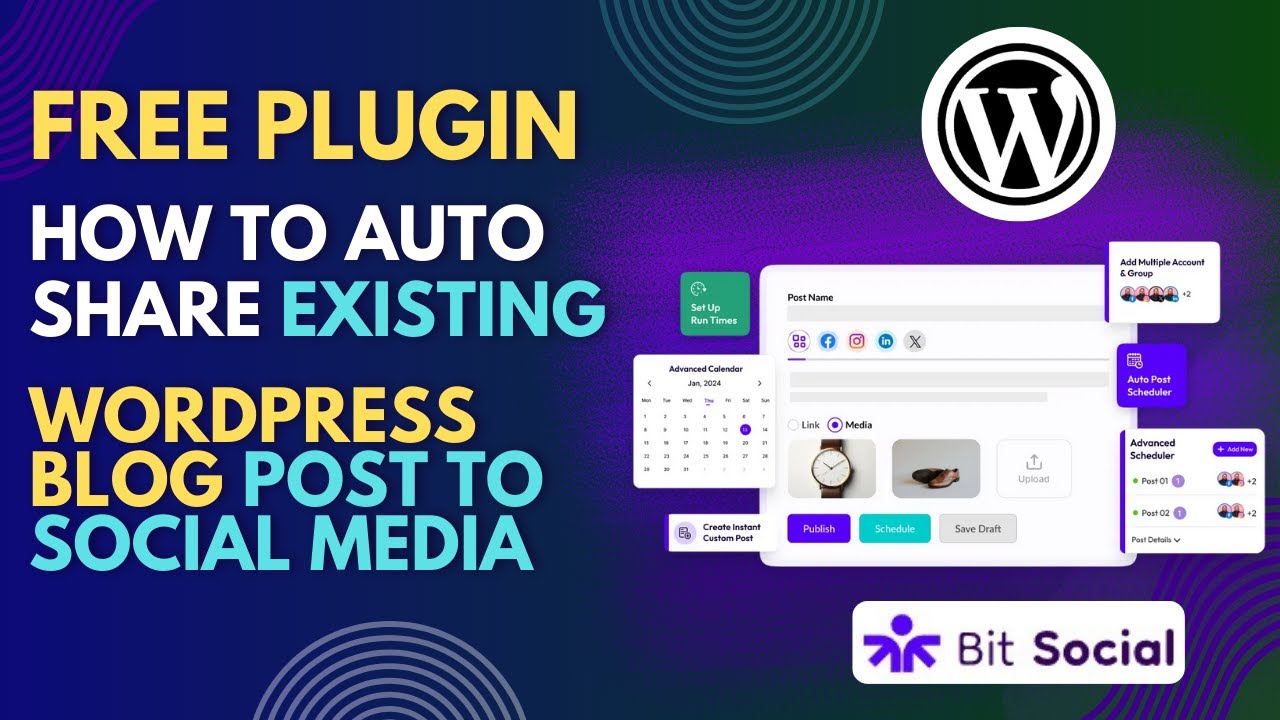
How To Auto Share WordPress Existing Posts To Social Media With Free Plugin

How to get started with Kadence Conversions - Lets make some popups

How to Make an E-Commerce Website (2024) Online Shopping Store

Introduction to Plugin Architecture in C#
5.0 / 5 (0 votes)

